Table of Contents
Your CRM holds your contacts, deals, and pipeline. Your accounting software tracks invoices. Your marketing tools capture leads. Your project management platform assigns tasks.
The problem: none of these systems talk to each other.
Sales reps re-enter lead information by hand. Finance teams manually match invoices to deals. Managers build reports by copy-pasting between three browser tabs. 55% of CRM implementations don't achieve their planned objectives, and disconnected data is one of the biggest reasons why.
CRM integration services connect your CRM to the rest of your tech stack so data flows between systems automatically, without manual entry or duplicate records.
This guide covers the types of CRM integrations that matter, the 4 technical methods behind them, why most integration projects fail, and how to plan one that works.
Key Takeaways
- CRM integration connects your CRM to accounting, marketing, support, and operations tools so data moves between systems without manual entry.
- 4 integration methods exist: native connectors, API, iPaaS middleware, and custom development. Most businesses with fewer than 100 employees only need the first two.
- 55% of CRM implementations don't achieve their planned objectives. Disconnected data and poor user adoption are the leading causes.
- Start with your 3 to 5 highest-friction data workflows, not a full system overhaul. Fix the bottlenecks first.
- The right integration partner matches the solution to your business size, not the other way around.
What Are CRM Integration Services?
CRM integration services connect your CRM system with other business applications, including accounting software, marketing platforms, e-commerce tools, and communication apps. The goal is to eliminate manual data transfer between systems and build a single source of truth for customer and operational data.
When your CRM is integrated, a lead captured from a Facebook ad appears in your sales pipeline within seconds. A closed deal triggers an invoice in QuickBooks automatically. A support ticket shows the customer's full purchase history without switching tabs.
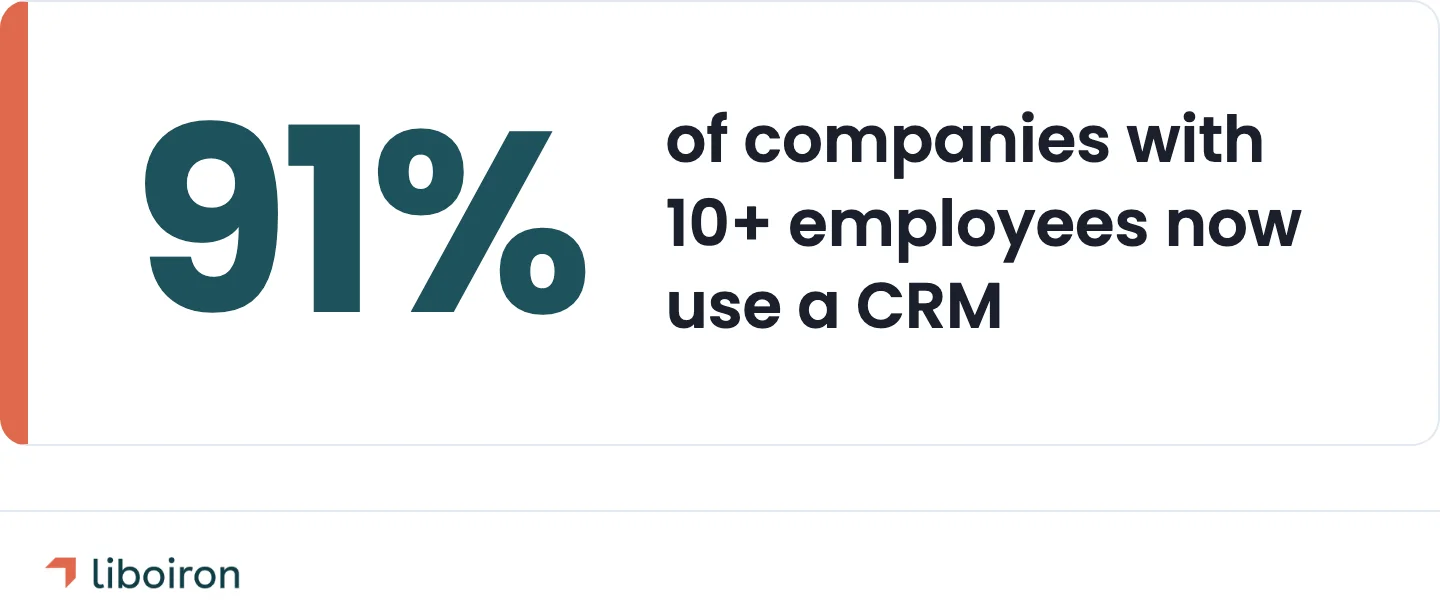
91% of companies with 10 or more employees now use a CRM. But using a CRM and getting value from it are two different things. A standalone CRM is a database. An integrated CRM is an operating system for your business.
CRM integration services typically include:
- Discovery and mapping of your current tools and data flows
- Connection architecture between your CRM and target systems
- Data migration and cleanup from legacy tools or spreadsheets
- Workflow automation triggered by CRM events (new lead, closed deal, status change)
- Testing, deployment, and ongoing support
For businesses running 20 to 100 employees, the difference between a working CRM and a connected CRM is often the difference between a tool nobody uses and a system the whole team relies on.
6 Types of CRM Integrations
Not every integration matters equally. The right mix depends on your industry, team size, and where your biggest data bottlenecks sit.
Marketing and Lead Capture
Connects: email platforms, ad platforms (Facebook Lead Ads, Google Ads), landing page builders → CRM
When a prospect fills out a form or clicks an ad, their information should appear in your CRM immediately with the correct tags, source attribution, and pipeline stage. Without this integration, leads sit in a spreadsheet or inbox until someone manually imports them. By then, your response time has already cost you.
Data that flows: contact details, lead source, campaign attribution, engagement history.
E-Commerce and Billing
Connects: Shopify, WooCommerce, billing platforms → CRM
E-commerce integration syncs purchase history, order status, and customer lifetime value directly into CRM records. Your sales team sees which products a customer bought, when they bought them, and how much they spent, without logging into a separate system.
Data that flows: order history, transaction amounts, product preferences, refund status.
Accounting and ERP
Connects: QuickBooks, ERP systems → CRM
This is where most Canadian SMBs feel the pain first. Sales closes a deal in the CRM. Finance creates an invoice in QuickBooks. Nobody checks whether the customer name, tax ID, or payment terms match between the two systems. Six months later, the reconciliation takes a full week.
Accounting integration syncs deals, invoices, and payment status between your CRM and your financial tools in real time.
Data that flows: invoice status, payment history, revenue attribution, tax settings.
Customer Support
Connects: helpdesk tools (Zendesk, Freshdesk, Intercom) → CRM
When a customer opens a support ticket, your team should see their full history: past purchases, open deals, and previous interactions. Support integration eliminates the "can you confirm your account number again?" experience and gives account managers visibility into issues affecting their clients.
Data that flows: ticket status, resolution time, satisfaction scores, interaction history.
Communication Tools
Connects: Slack, Microsoft Teams, phone systems → CRM
Communication integration logs calls, messages, and meetings directly to CRM records. When a sales rep finishes a call, the CRM already has the duration, notes, and next steps logged. When a deal moves stages, Slack notifies the team automatically.
Data that flows: call logs, meeting notes, channel notifications, task assignments.
AI-Powered Automation
Connects: AI agents, data enrichment tools, intelligent workflow triggers → CRM
AI-powered CRM integration goes beyond moving data between systems. An invoice matching agent can automatically compare purchase orders, invoices, and receiving slips across your CRM, accounting, and procurement tools. AI data enrichment pulls prospect information from public sources and populates CRM fields that sales reps would otherwise research by hand.
This category is still emerging. Most CRM integration guides skip it because most integration agencies don't offer it. But for businesses processing high volumes of orders, invoices, or leads, AI agents reduce processing time from hours to minutes.
Data that flows: enriched contact data, matched financial documents, automated approval workflows.
How CRM Integration Works: 4 Methods Compared
The technical method you choose determines your cost, timeline, flexibility, and maintenance burden.
Native Connectors
Built-in integrations available through your CRM's app marketplace. Pipedrive Marketplace and HubSpot App Marketplace both offer hundreds of pre-built connectors for popular tools.
Best for: standard tool pairs (CRM + email, CRM + calendar) where you need basic data sync without custom logic.
API Integration
Direct connections between systems using REST APIs or webhooks. One system pushes or pulls data from another through documented endpoints.
Best for: specific data flows where native connectors don't exist or don't support the fields you need. Requires some technical knowledge to build and maintain. To understand how APIs work in practice, this guide to APIs and tool communication covers the fundamentals.
iPaaS Middleware
Integration-platform-as-a-service tools provide a visual workflow builder that sits between your systems. You define triggers and actions without writing code: "When a deal closes in Pipedrive, create an invoice in QuickBooks with these fields."
Best for: multi-tool workflows involving 3 or more systems. More flexibility than native connectors without the cost of custom development.
Custom Development
Built from scratch by a developer or integration partner for business logic that doesn't fit standard patterns.
Best for: unique workflows, complex conditional logic, or industry-specific requirements that no off-the-shelf tool handles. Highest cost, but necessary when your process doesn't match existing options.
Cost ranges are approximate market averages. Actual project costs vary by scope and complexity.
The practical rule for SMBs: Start with native connectors for anything they support. Add iPaaS middleware when you need multi-step workflows across several tools. Save custom development for requirements that truly don't fit anything else. Most businesses with fewer than 100 employees never need custom builds.
Why CRM Integrations Fail
55% of CRM implementations fall short of their planned objectives. CRM integration projects follow the same pattern. The root cause is rarely the technology itself. It's what happens around the technology: how data is prepared, how teams are trained, and what happens after launch.
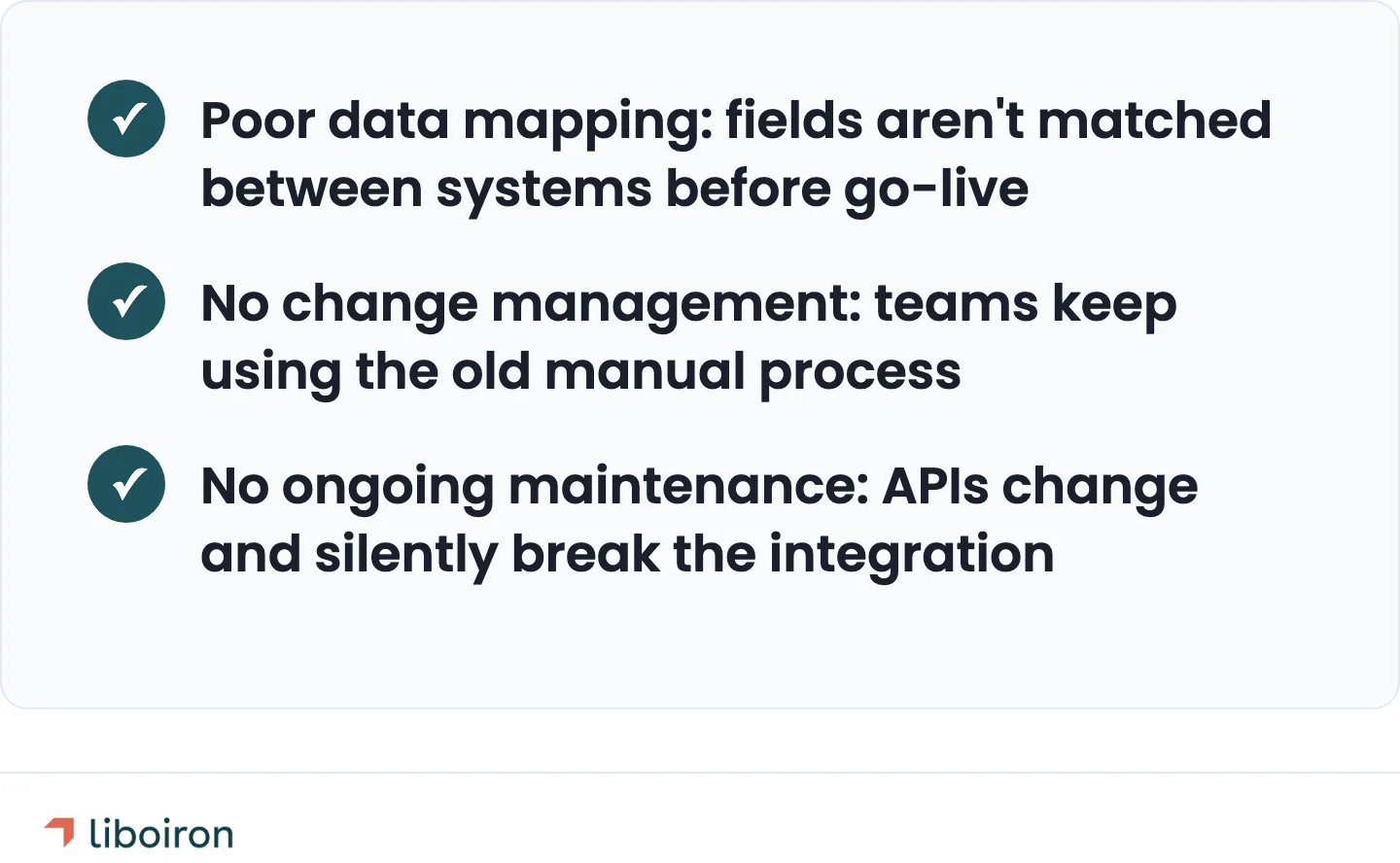
Poor Data Mapping
Every system stores data differently. Your CRM has "Company Name." Your accounting software has "Client." Your marketing tool has "Organization." If these fields aren't mapped correctly before the integration goes live, data lands in the wrong place, duplicates multiply, and required fields stay empty.
One business processing roughly CA$8,000 to CA$9,500 per day in invoices (~US$6,000 to US$7,000) reported on a QuickBooks community forum that an API update broke their CRM-accounting integration. They spent over 60 hours in the following weeks manually correcting data in both systems and eventually disconnected the integration entirely.
The fix isn't better software. It's mapping every field between every connected system before building a single automation.
No Change Management
Over 60% of CRM failures trace back to people and process problems, not technology. You build the integration. The data flows. But your team keeps entering information manually because nobody trained them on the new workflow. Or they use the old process and the new process at the same time, creating conflicting records in both systems.
17% of companies cite lack of integration with other tools as a major CRM challenge. The integration itself is only half the project. Changing how your team works is the other half.
No Ongoing Maintenance
APIs update on the vendor's timeline, not yours. Pipedrive ships API changes. QuickBooks updates their authentication method. Shopify adjusts their webhook format. Any of these can silently break an integration that worked yesterday.
The "set it and forget it" approach doesn't work for CRM integration. Monitoring, testing, and updating integrations is an ongoing requirement, not a launch-day task.
How to Plan a CRM Integration Project
Integration projects fail when they try to connect everything at once. A phased approach, starting with the highest-impact workflows, reduces risk and delivers results faster.
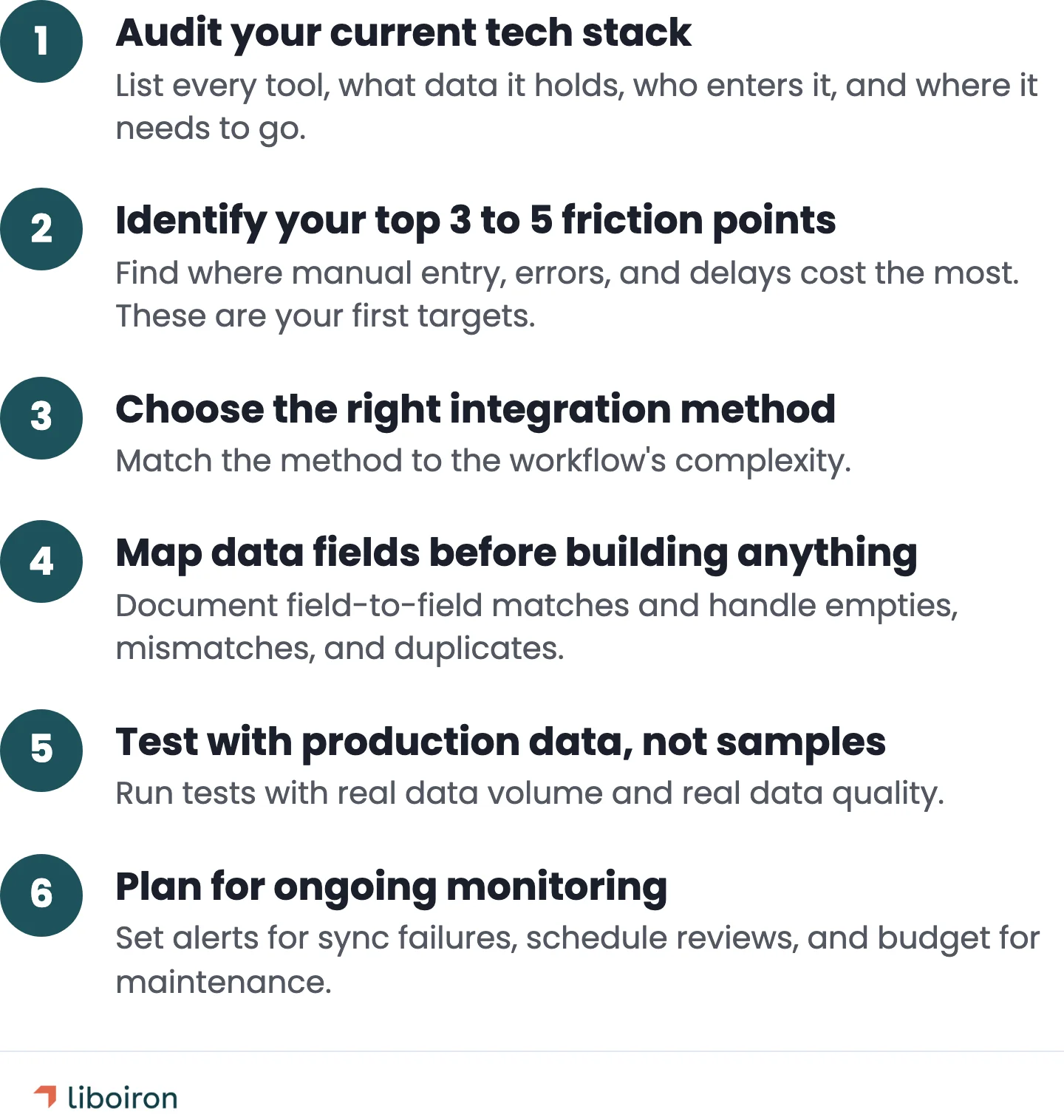
1. Audit your current tech stack. List every tool your team uses daily. For each one, document what data it holds, who enters that data, and where that data needs to go next. The gaps between "who enters it" and "where it goes next" are your integration opportunities.
2. Identify your top 3 to 5 friction points. Where does your team spend the most time on manual data entry? Where do errors happen most often? Where does information arrive too late to act on? These are your first integration targets.
3. Choose the right integration method. Match the method to the workflow complexity. A single CRM-to-email sync doesn't need custom development. A multi-step workflow across 4 systems might need iPaaS middleware.
4. Map data fields before building anything. Document exactly which fields in System A correspond to which fields in System B. Define what happens when a field is empty, when formats don't match, or when a duplicate exists. If your business handles personal customer data, confirm that each integration path meets your privacy requirements under PIPEDA and any industry-specific regulations. This step prevents the majority of post-launch data issues.
5. Test with production data, not samples. Sample data is clean. Production data has missing fields, special characters, duplicate records, and edge cases your test set never anticipated. Run integration tests with real data volume and real data quality.
6. Plan for ongoing monitoring. Set up alerts for sync failures, data mismatches, and API errors. Schedule quarterly reviews. Budget for maintenance alongside setup.
We structure integration projects using our Discover, Design, Deploy, Evolve methodology. The "Evolve" phase is where most providers stop: ongoing monitoring, optimization, and adaptation as your business and tools change.
What to Look for in a CRM Integration Partner
Not every integration provider works the same way. Five criteria separate partners who build integrations that last from those who build integrations that break.
Platform certification. A certified CRM partner has direct access to the platform's technical resources, beta features, and support escalation paths. This matters when an integration hits an edge case the documentation doesn't cover.
Industry experience. Manufacturing workflows, construction project pipelines, and property management leasing processes look nothing alike. A partner who has built CRM integrations in your industry already understands the data relationships before the first meeting.
Case studies with real metrics. "We helped a client integrate their CRM" tells you nothing. "67% faster lead processing after connecting Pipedrive to lead capture sources across a 700-unit property portfolio" tells you what's possible.
Ongoing support model. Integration is not a one-time deliverable. Your partner should offer monitoring, maintenance, and optimization after go-live.
Transparent pricing. Project-based pricing tied to outcomes is more predictable than hourly billing on an open-ended scope. Ask how the provider handles scope changes and unexpected complexity.
You can use our ROI calculator to estimate the return on an integration project before committing to a partner.
CRM Integration Results: What to Expect
Two examples that show what connected CRM systems look like in practice for small and mid-sized businesses.
Property Management: Pipedrive + Lead Sources
Multilogements ChezTOIT, a Quebec property management company, was running their rental pipeline with leads scattered across multiple inboxes and a spreadsheet for follow-ups. Every new inquiry meant manual data entry into Pipedrive before anyone could respond.
After connecting Pipedrive to all lead sources through automated workflows:
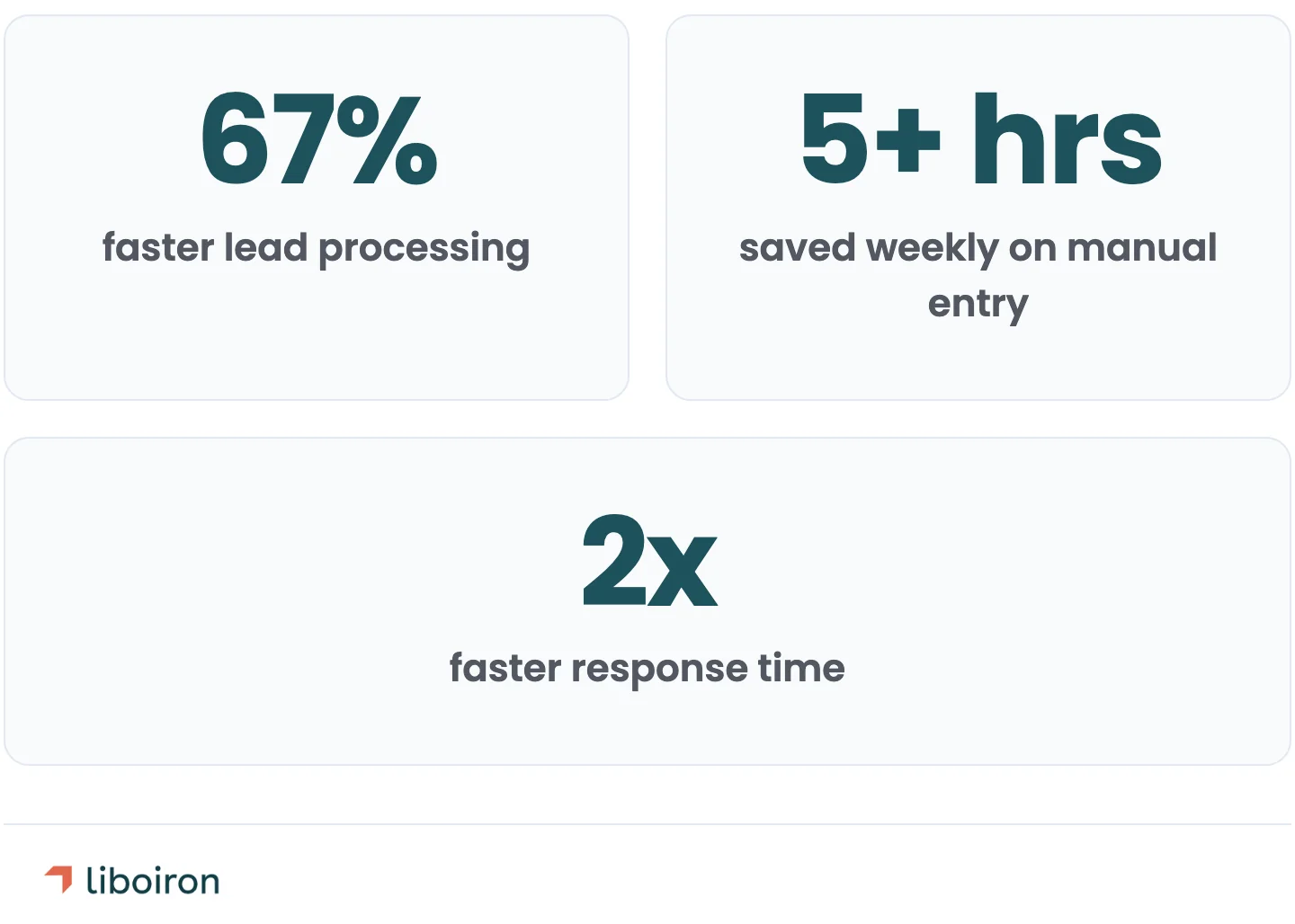
- 67% faster lead processing (15 minutes per inquiry down to 5)
- 5+ hours saved weekly on manual data entry
- 2x faster response time to new rental inquiries
Delivered in 8 weeks. The integration didn't add new software. It connected the tools they already had so data flowed where it needed to go.
Manufacturing: HubSpot + AI Data Enrichment
Lovepac makes custom security packaging for high-value shipments. Their sales team had HubSpot CRM installed, but nobody was using it. The VP of Sales couldn't see the pipeline, and reps were tracking prospects in their own spreadsheets.
After rebuilding the CRM and integrating AI-powered data enrichment through an automation platform:
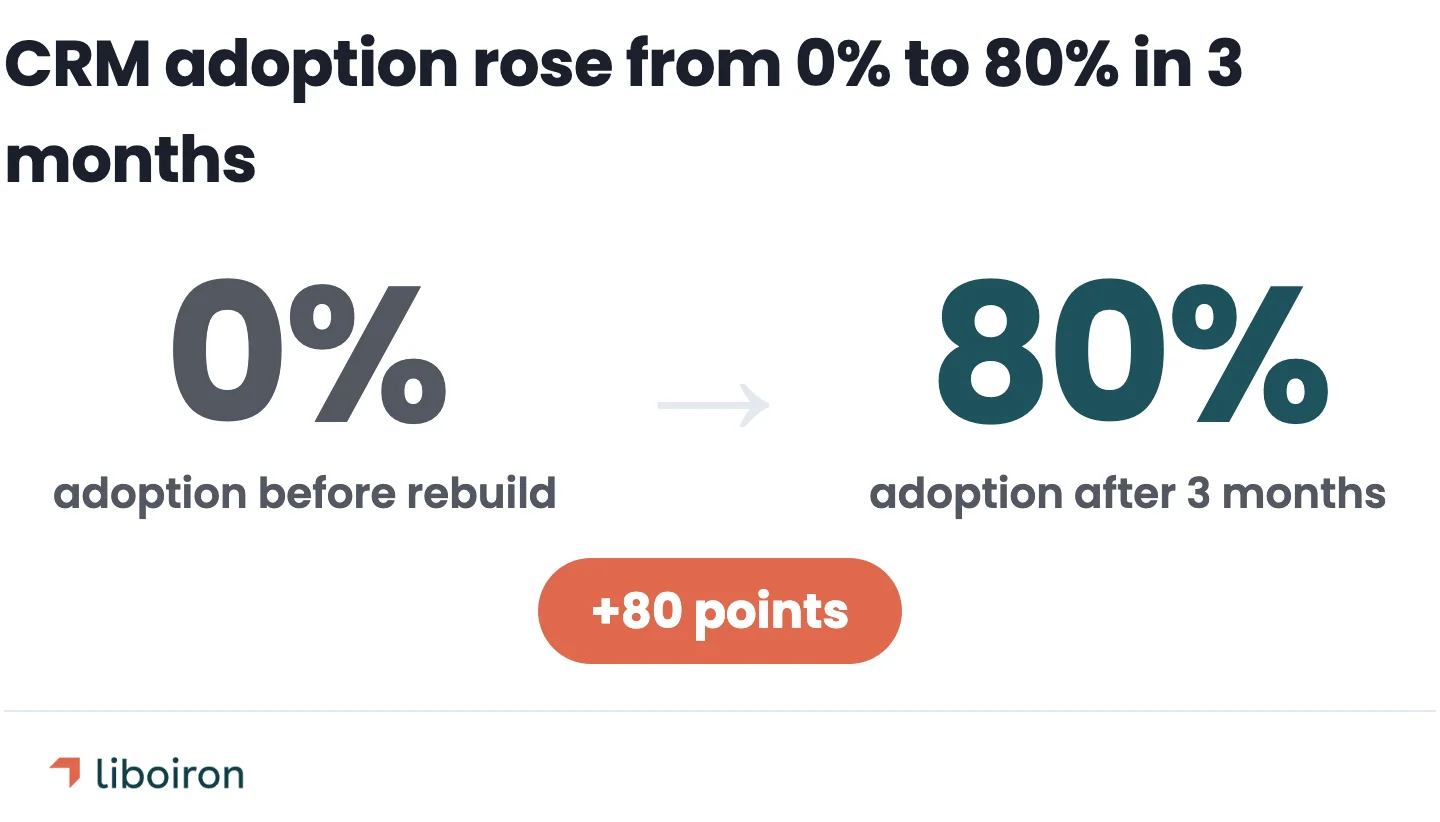
- 0% to 80% CRM adoption in 3 months
- 15 dashboard reports built from scratch
- 20% shorter sales cycle
The AI enrichment layer pulled prospect data from public sources and populated CRM fields automatically. Sales reps stopped spending hours researching prospects before outreach. The CRM became the team's primary sales tool because the integration removed the manual work that kept people from using it.
Also read:
CRM Integration FAQ
What are CRM integrations?
CRM integrations are connections between your CRM software and other business tools that allow data to flow between systems automatically. Instead of manually copying customer information from your CRM to your accounting software, or re-entering lead details from your marketing platform into your sales pipeline, integrations sync that data in real time. Common CRM integrations include connections to accounting tools (QuickBooks), marketing platforms (email, ad platforms), customer support systems (Zendesk), and communication tools (Slack, Microsoft Teams).
What is an example of CRM integration?
A property management company connects Pipedrive CRM to their Facebook Lead Ads account through an automation workflow. When a prospective tenant fills out a rental inquiry form on Facebook, their contact information, the unit they're interested in, and their move-in timeline automatically appear as a new deal in Pipedrive with the correct pipeline stage and tags. Before the integration, a staff member manually copied each lead from Facebook into the CRM, which took 15 minutes per inquiry. After integration, the same process takes under 5 minutes and happens without manual input. This is based on a real implementation for Multilogements ChezTOIT, a Quebec property management company with 700 residential units.
How much does CRM integration cost?
CRM integration costs range from free (using built-in native connectors in your CRM's marketplace) to CA$65,000+ for fully custom-built integrations. Most small and mid-sized businesses spend between CA$65 and CA$650 per month on iPaaS middleware tools, or CA$2,500 to CA$13,000 for a one-time API integration project. The right method depends on how many systems you're connecting, how complex your data flows are, and whether off-the-shelf connectors support your tools. See the comparison table in the "How CRM Integration Works" section above for a full breakdown.
The Bottom Line
CRM integration connects your CRM to the tools your team already uses: accounting, marketing, support, and communication platforms. The method matters. Native connectors handle simple connections. iPaaS middleware covers multi-tool workflows. Custom development is rarely necessary for businesses under 100 employees.
Most integration projects fail because of poor data mapping, no change management plan, and no ongoing maintenance after launch. These are process problems, not software problems, and they're preventable with the right planning.
Start with 3 to 5 high-friction workflows. Map your data fields before building anything. Test with real production data. And plan for ongoing monitoring, because APIs change and integrations need attention over time.
Liboiron builds CRM integrations for Canadian SMBs in manufacturing, construction, and property management, connecting Pipedrive and HubSpot to lead sources, accounting, and operations tools. Every integration project follows our Discover, Design, Deploy, Evolve framework, with results backed by verified case study outcomes.
Book a free strategic call to discuss your integration needs and get a clear project plan.