Table of Contents
Most CRM implementation challenges are about people and process, not the software. About 55% of CRM projects miss their planned objectives, and the leading cause is not a bad platform. It is low user adoption, poor data, and unclear goals that were never sorted out before go-live.
We are a Montreal-based Pipedrive Service Partner, and we regularly get called in to fix stalled rollouts for Canadian SMBs in manufacturing and construction that hit exactly these problems. The good news: every challenge below is predictable, and every one has a fix that costs far less when you handle it early. Here are the 11 that derail the most CRM projects, why each one happens, and how to prevent it.
Key Takeaways
- Adoption decides success, not features. Low user adoption is the number one reason CRM projects miss their goals. A system your team avoids returns nothing, no matter how well it is built.
- Most challenges are predictable. Dirty data, weak integration, and vague goals sink rollouts long before launch day. You can plan for all three.
- Prevention beats rescue. Fixing a challenge during setup costs a fraction of what it costs after the team has already lost trust in the system.
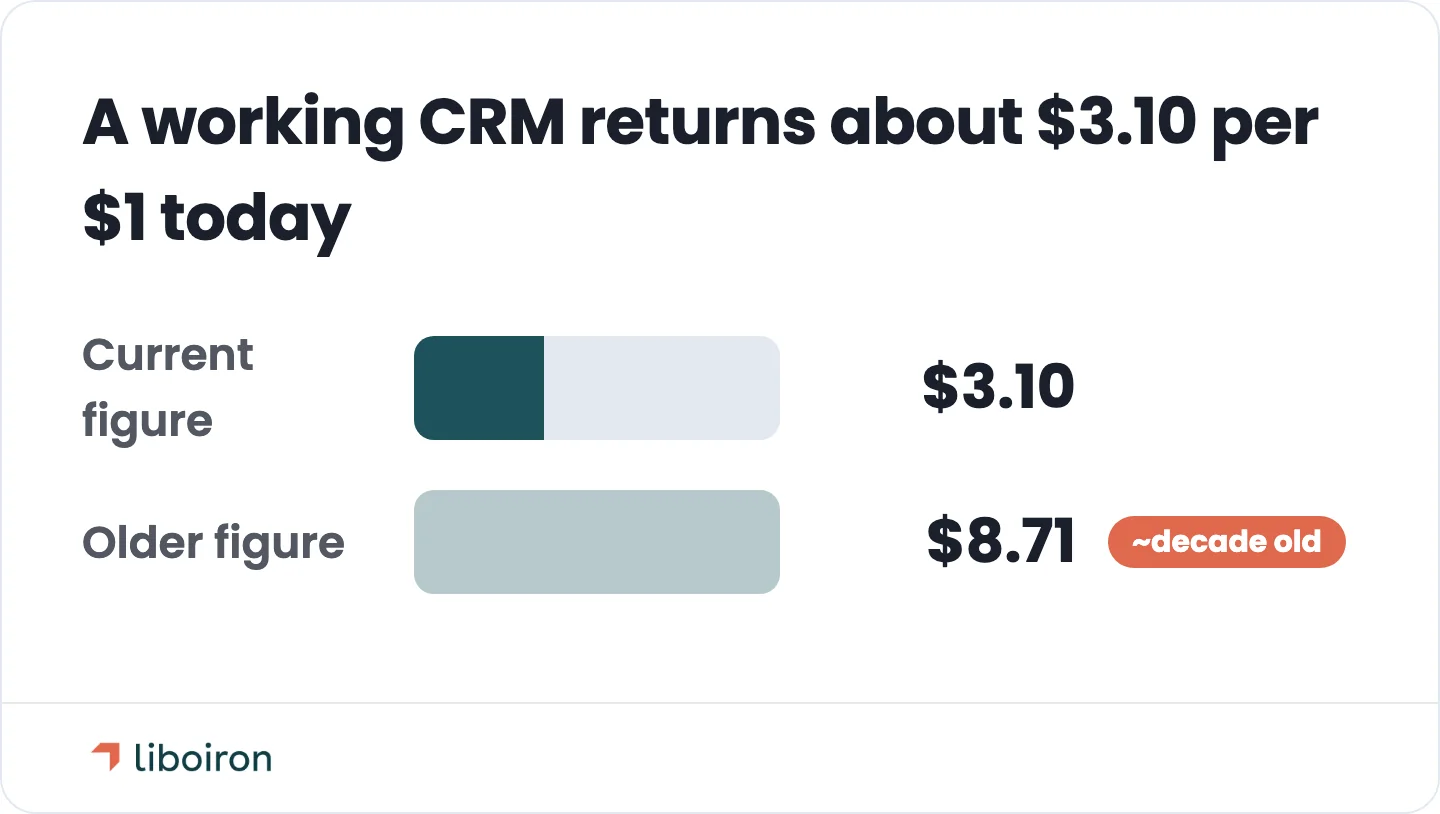
- A working CRM returns about $3.10 for every $1 spent, according to Nucleus Research, but that return follows real use, not the licence purchase.
- Canadian SMBs carry extra load. In Quebec, Law 25 and Bill 96 turn data handling and language into real implementation requirements, not afterthoughts.
1. Low User Adoption
Low user adoption is the single biggest reason CRM projects fail. When a sales or support team sees the CRM as an admin burden instead of a tool that helps them, they stop entering data, the records go stale, and the whole system loses its value. About 55% of CRM projects miss their objectives, according to the Johnny Grow CRM Failure Report, and the pattern behind that number is people and process, not the platform. Estimates vary because everyone measures "failure" differently, but the common thread is always the same: teams that do not use the system.
Why it happens: the CRM gets built for management reporting, not for the people who have to live in it every day. Reps are handed a login and a mandate, given no role-specific reason to care, and told to comply. So they enter the bare minimum to stay out of trouble, and the data quietly rots.
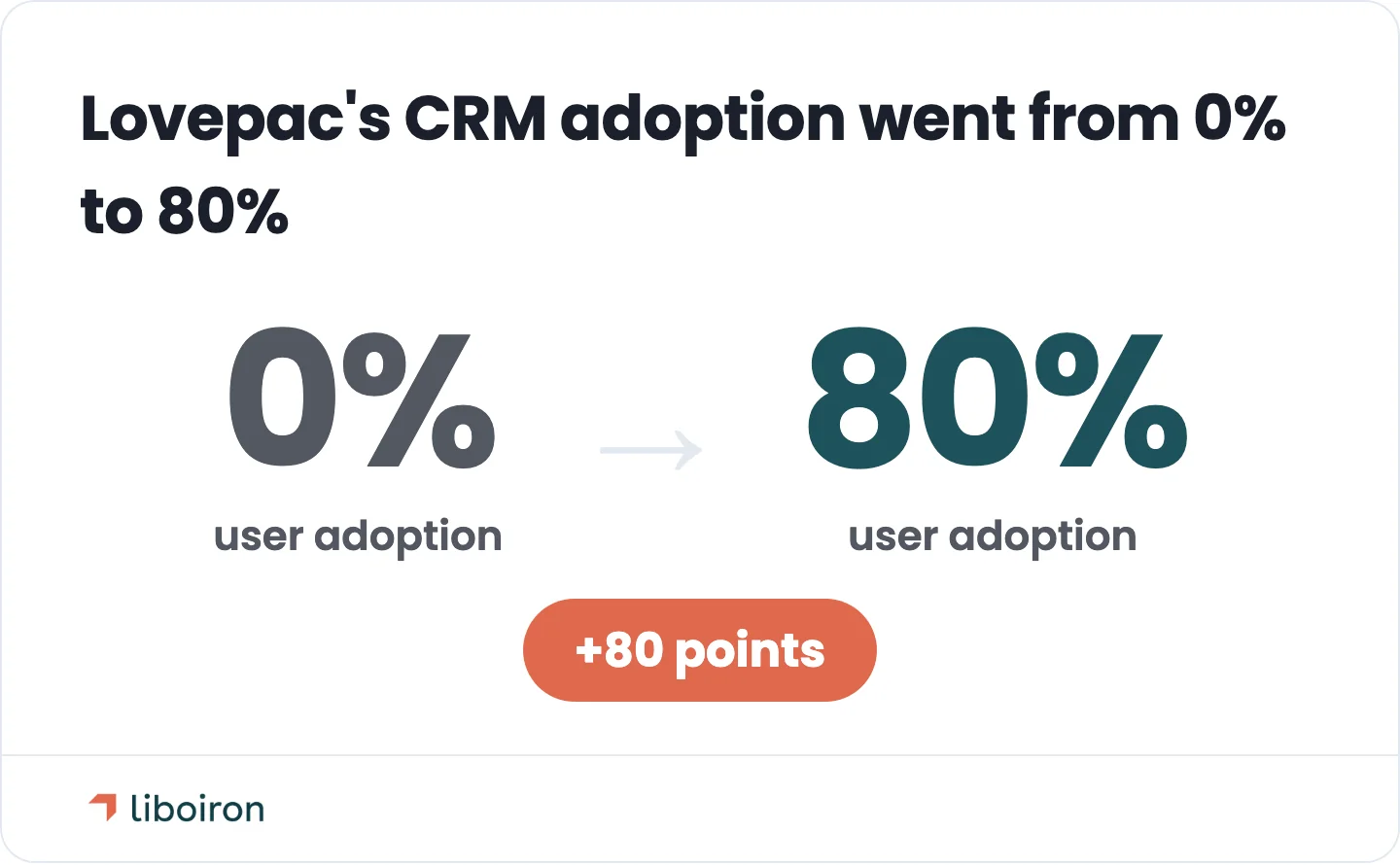
How to prevent it: design for adoption from day one. Involve the end users in how the system is set up, show each role the specific way it makes their job easier, and track a usage metric during the rollout, not six months after. You design adoption into the setup. You do not launch and hope the team takes to it. For a fuller breakdown of why projects fail, see our guide on CRM consulting. For proof it can be turned around: we rebuilt a stalled CRM for Lovepac, a Canadian packaging manufacturer, and took adoption from 0% to 80%.
2. Dirty Data and a Botched Migration
Dirty data destroys trust in a CRM faster than any missing feature. When you migrate duplicated, outdated, or half-empty records from old spreadsheets, the first time a rep hits a bad contact or a deal that closed last year, they stop believing the system. A CRM is only as good as the data inside it, and a messy migration poisons the well on day one.
Why it happens: data migration gets treated as a copy-paste job instead of a project. There is no field mapping, no owner responsible for data quality, and no clean-up before the import. What looks like a few hours of moving records turns into weeks of cleanup and rework once the errors surface.
How to prevent it: run a real migration process. Audit the existing data, remove duplicates and dead records, map every field from the old system to the new one, and assign one person to own data quality. Then import in phases and validate each batch before the next. Clean data is what makes reps trust the CRM enough to use it.
3. Poor Integration With Your Existing Tools
A CRM that does not connect to your other tools forces manual re-entry and creates data silos. If your team has to copy information between the CRM, your accounting software, and your communication tools by hand, efficiency drops and errors climb. Disconnected systems are one of the most common reasons a CRM feels like extra work instead of less.
Why it happens: teams rely on weak out-of-the-box connectors, or they never plan the integrations at all. The native link between a CRM and accounting tools like QuickBooks is often thin, so the deal-to-invoice handoff still happens manually.
How to prevent it: map your core data flows before you build, then connect them properly. A built integration layer can sync deals to invoices automatically, push updates between the CRM and your accounting system, and tie in the communication tools your team actually uses, including Microsoft Teams, Zoom, Google Meet, Slack, and your calling software. This is where our AI agents and process automation work lives, and it is what turns a CRM from an island into the hub. For more on connecting systems, see our post on APIs and communication between tools.
4. No Clear Goals or Success Metrics
A CRM project with no defined goals has no way to succeed, because nobody can say what success looks like. "Get organized" is not a goal. Without clear objectives and metrics, the setup is vague, teams pull in different directions, and there is no way to prove the project worked.
Why it happens: the CRM gets bought as a piece of software rather than scoped as a business outcome. Sales and marketing often define the goals differently, or never align at all, so the system ends up serving neither.
How to prevent it: set two or three measurable objectives before you configure anything. "Cut lead response time from two days to two hours" tells you exactly what to build and how to measure it. Align every team that will touch the CRM on the same definitions, then design the system around those targets. Our Discover, Design, Deploy, Evolve methodology exists to lock this down before a single field is built.
5. Over-Customizing the System
Too much customization too soon overwhelms users before they master the basics. When you launch with dozens of custom fields, complex workflows, and features nobody asked for, the team faces a wall of complexity on day one and many quietly give up. Over-complication is a fast route to abandonment.
Why it happens: teams try to model every possible edge case up front, mistaking more configuration for a better system. The result is a tool that is powerful on paper and unusable in practice.
How to prevent it: start lean and expand in phases. Launch one core workflow, let the team master it and see the value, then add complexity as real needs surface. A phased rollout builds confidence instead of crushing it, and it keeps the system matched to how people actually work.
6. Skipping Training and Change Management
A CRM rollout with no ongoing training is a rollout that slides backward. One big training session at launch is forgotten within weeks, and without change management the old habits win. People fall back to spreadsheets and inboxes, and the CRM becomes a system of record nobody records anything in.
Why it happens: training is treated as a one-time event to check off, not a process. There is no plan for new hires, no refreshers, and no support channel when someone gets stuck.
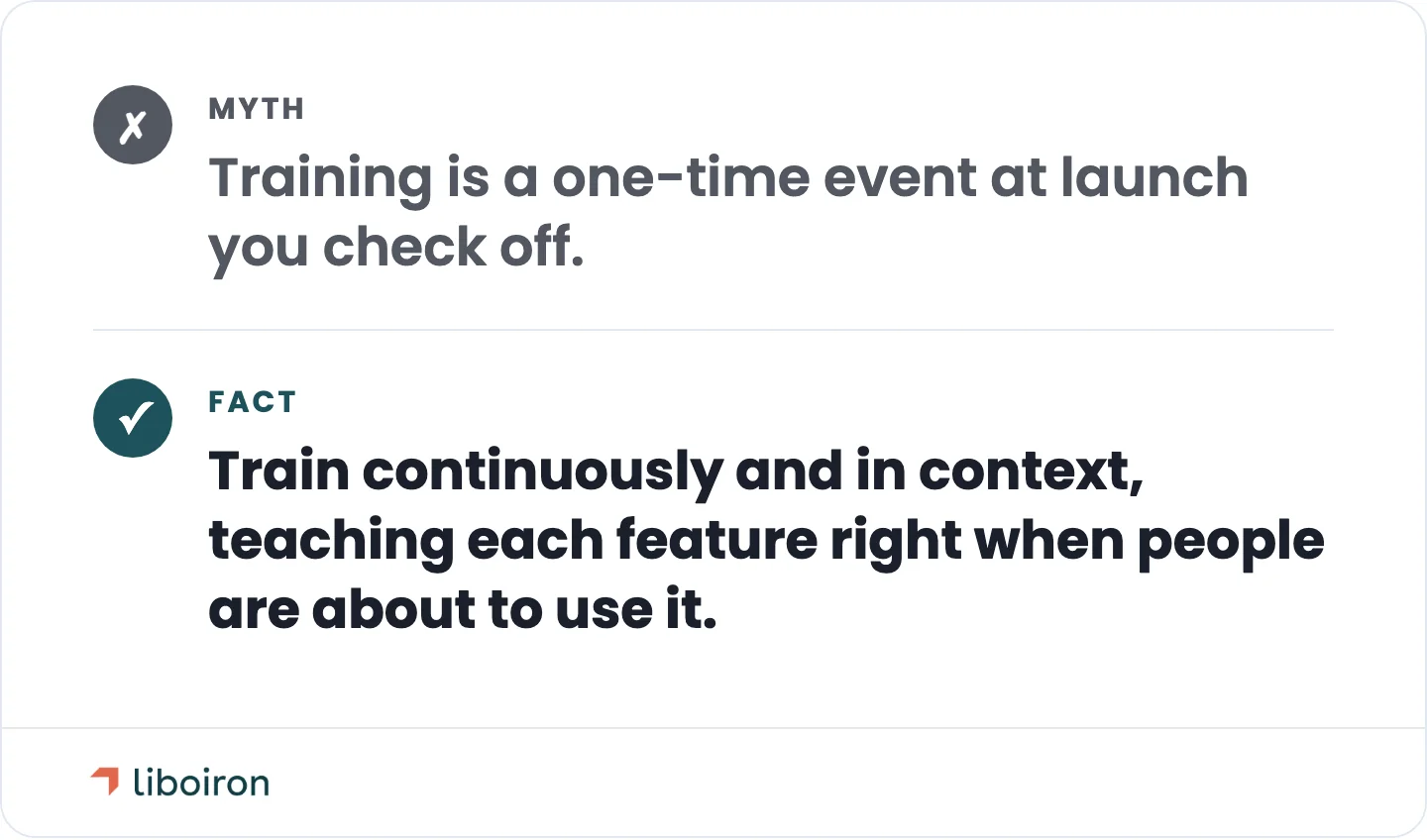
How to prevent it: train continuously and in context. Teach a feature when people are about to use it, not weeks ahead in one overwhelming session. Keep short how-to guides, run quick refreshers, and give the team a place to ask questions. Change management is the difference between a system people adopt and one they endure.
7. Underestimating the True Cost
The real cost of a CRM is far more than the licence fee, and underestimating it leads to budget overruns and stalled projects. Migration, integration, training, and the internal time to run the project are all real costs that rarely show up in the initial quote. When the budget only covers subscriptions, the project runs out of runway before it delivers.
Why it happens: the hidden costs are invisible at purchase. The subscription price is easy to see; the weeks of data cleanup and the admin time to drive adoption are not.
How to prevent it: budget for the full cost of ownership, then model the return so the investment is justified. A well-run CRM returns about $3.10 for every $1 spent, according to Nucleus Research. An older, widely quoted Nucleus figure put it at $8.71 per dollar, but that number is roughly a decade old and predates a more mature, more competitive CRM market. Either way, the return depends on adoption, since an unused CRM returns nothing. To estimate your own numbers, use our ROI calculator.
8. No Executive Sponsorship
A CRM project without an executive sponsor lacks the authority to succeed. When leadership frames the CRM as an IT initiative and steps back, the project has no budget priority, no one to enforce adoption, and no visible signal that it matters. The system stalls because nobody senior is accountable for it working.
Why it happens: an executive kicks off the project, then delegates it entirely and disengages. Without visible sponsorship, the CRM competes for attention against everything else and loses.
How to prevent it: name one accountable executive owner who stays involved. When leadership runs its meetings off the CRM dashboards and models the behaviour it expects, adoption follows, because the data has to be current for those meetings to work. Sponsorship is not a kickoff speech. It is ongoing, visible use from the top.
9. Choosing the Wrong CRM for Your Business
Picking the wrong CRM sets a project up to fail before it starts. A platform built for enterprise sales teams overwhelms a 20-person company, while a bare-bones tool cannot handle a real pipeline. When the CRM does not fit how your team works or how big your company is, no amount of good implementation saves it.
Why it happens: the choice gets made on brand names and feature checklists instead of fit. Buyers compare long feature lists rather than asking which system matches their actual sales process and team size.
How to prevent it: choose for fit, not features. Map your real sales or service process first, then pick the CRM that matches it and your team size, and pilot it before you commit. If you are still deciding whether you even need one, our guide on whether your business needs a CRM is a good starting point. For SMBs that want a sales-focused system without enterprise weight, Pipedrive is often the right fit, which is why we partner with it.
10. Overlooking Data Security and Quebec Compliance
A CRM concentrates your customer data in one place, which makes security and privacy compliance a core implementation challenge, not an afterthought. For Canadian businesses, and especially those operating in Quebec, this is a legal requirement with real teeth. A CRM set up without privacy rules built in can put a company offside the law from day one.
Why it happens: privacy and consent rules are bolted on after launch instead of designed into how the CRM captures and stores data. Most generic CRM advice ignores Canadian rules entirely.
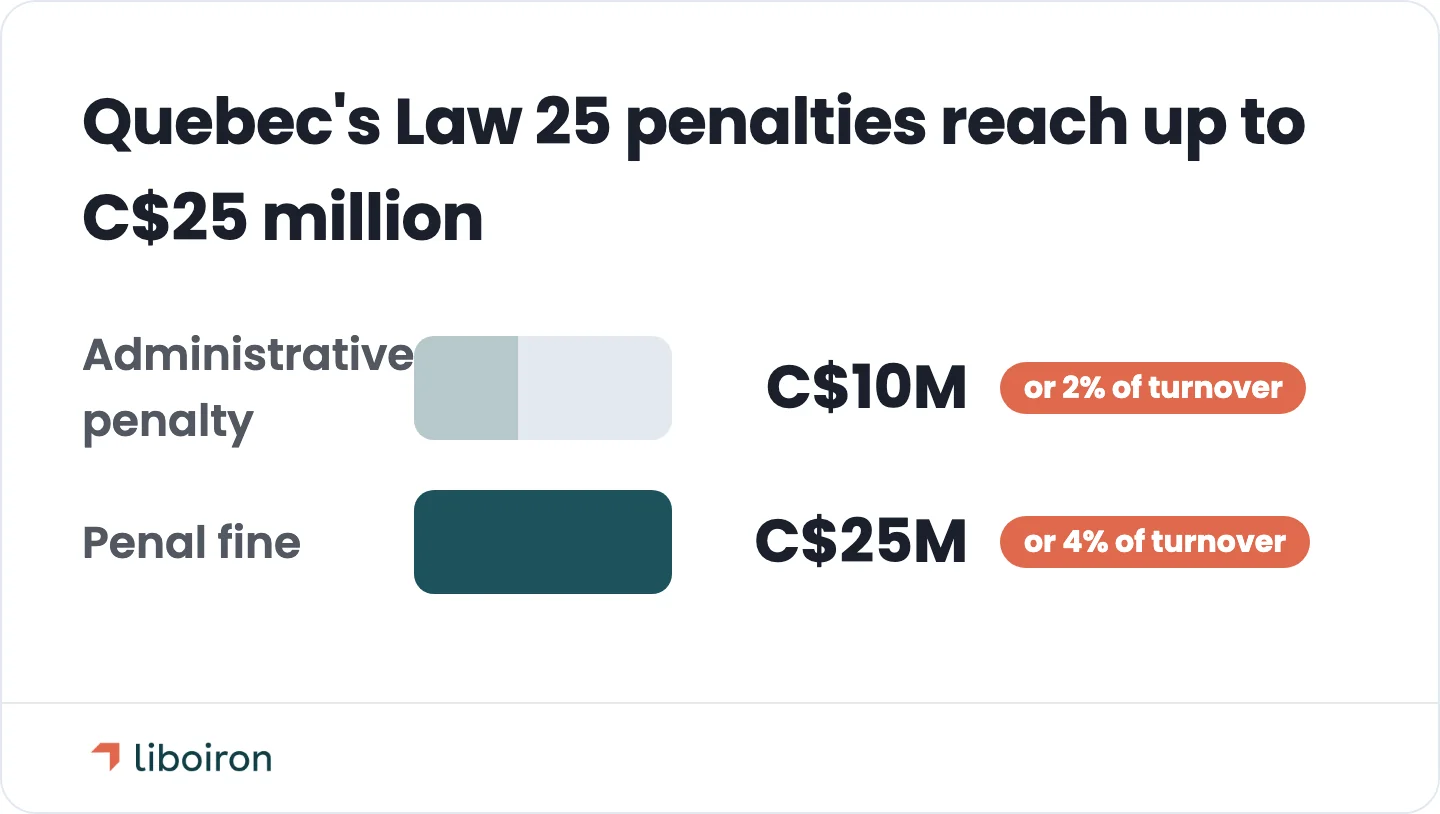
How to prevent it: build compliance into the setup. In Quebec, Law 25 sets clear rules. Consent to collect or use personal information must be clear, free, and informed, and given for a specific purpose. Express opt-in consent is required for sensitive information, such as health or biometric data, not for every piece of personal information you collect. You also need a designated privacy officer, and you have to report data breaches. The penalties are real: administrative penalties up to C$10 million or 2% of worldwide turnover, and penal fines up to C$25 million or 4%, whichever is greater, according to Gowling WLG. Bill 96 adds French-language obligations for the records and interfaces you use in Quebec. In practice, that means your CRM has to capture consent signals, honour withdrawal requests, and keep those preferences synced across your marketing and third-party tools. Data residency belongs in the platform decision, too: in 2026 Pipedrive opened a Montreal data centre, so Canadian customers can keep their CRM data hosted in Canada, which helps when your industry or your clients' contracts require local data storage.
11. Treating Go-Live as the Finish Line
A CRM is a living system, not a project you finish. Teams that treat launch day as the end let the system decay: data quality slips, workflows fall out of step with the business, and adoption slides. Neglecting the CRM after go-live is how a successful launch becomes an abandoned tool a year later.
Why it happens: the project mindset says "we are done" once the system is live. But the business keeps changing, new hires arrive, and new processes appear, and the CRM drifts back toward the mess it replaced.
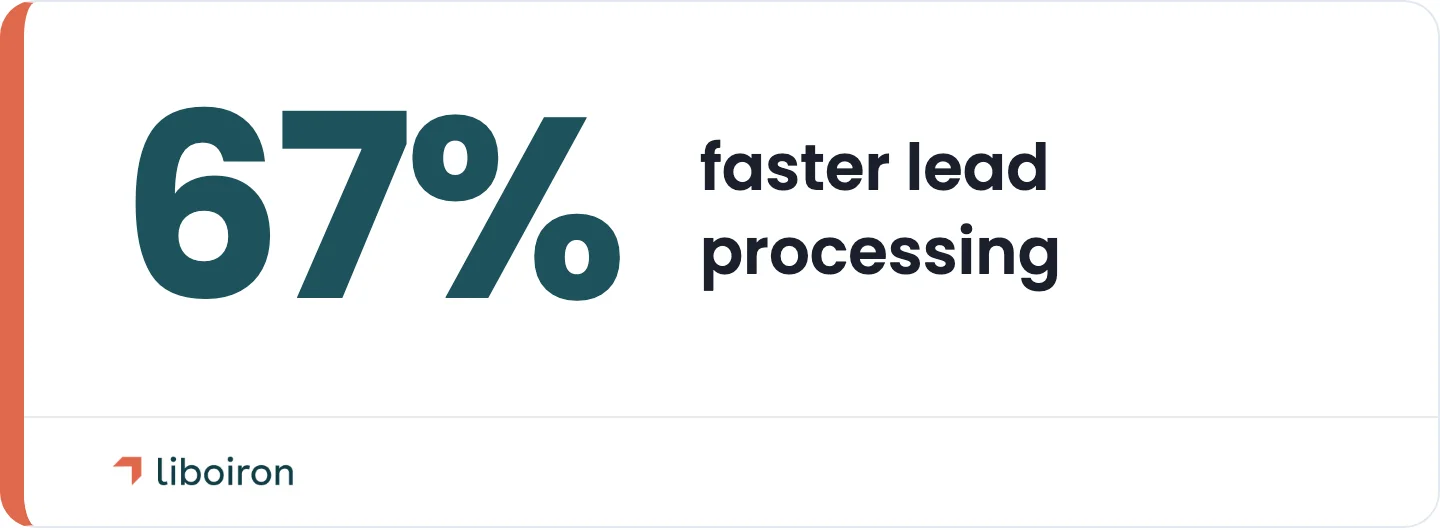
How to prevent it: treat the CRM as something you improve over time. Schedule regular audits of data quality, workflows, and adoption rates, and adjust as the business changes. Build the dashboards leadership will actually check every week, because reporting and adoption feed each other: when leaders run their meetings off current data, reps keep it current. When we rebuilt the CRM for Lovepac, part of the fix was adding 15 dashboard reports from zero, and for Multilogements ChezTOIT we rebuilt Pipedrive around their real rental workflow, cutting lead processing time by 67%. Ongoing attention is what keeps a CRM paying off.
Frequently Asked Questions
What is the most common challenge in CRM implementation?
Low user adoption is the most common CRM implementation challenge. When a team does not see how the CRM makes their day easier, they avoid it, the data goes stale, and the system loses its value. It is the leading cause behind the roughly 55% of CRM projects that miss their objectives.
What is the number one reason CRM projects fail?
CRM projects fail on people, not technology. The most common root cause is low user adoption, usually driven by unclear goals, poor data, and a system built without input from the people who use it. About 55% of CRM projects miss their planned objectives, and adoption is the through-line in nearly all of them.
How long does a CRM implementation take?
It depends on scope, not just the software. A small, single-team rollout on Pipedrive with basic workflows is usually a 4 to 6 week job. A standard build across several teams, with integrations and custom automations, runs closer to 6 to 8 weeks. The heavy data migration and rebuild work that trips up so many projects is what pushes a timeline past that.
How do you ensure data security during a CRM implementation?
Ensure data security by building access controls, consent capture, and privacy rules into the CRM setup rather than adding them later. In Quebec, that means meeting Law 25 requirements for clear, purpose-specific consent, a designated privacy officer, and breach reporting, and handling French-language obligations under Bill 96. Limit who can see sensitive fields and keep consent preferences synced across your connected tools.
How do you measure CRM implementation success?
Measure success against the objectives you set before launch, not vague impressions. The core metrics are user adoption rate, data quality, and progress on the specific goals you defined, such as faster lead response or a shorter sales cycle. A CRM that hits those targets is what delivers real return on the investment.
The Bottom Line
CRM implementation challenges are predictable, and that is good news. Nearly all of them trace back to the same few root causes: a system built without the users, data nobody cleaned up, goals nobody defined, and a launch treated as the finish line. Handle those early and the rest of the project gets far easier. Ignore them and even the best platform becomes an expensive contact list.
The through-line is adoption. A CRM only returns its promised value when your team actually uses it, which is why the fixes here focus on people and process as much as configuration. That is the part we focus on. Liboiron is a Montreal-based Pipedrive Service Partner, and we help Canadian manufacturers, construction firms, and growing SMBs turn stalled CRM projects into systems their teams rely on every day, including one rebuild that took adoption from 0% to 80% and shortened the sales cycle by 20%.
If your CRM is not pulling its weight, or you are about to start a project and want to avoid these traps, book a free strategic call and we will map out how to get it right. You can also see how we approach implementations on our CRM implementation page.