Table of Contents
Pipedrive automation is a built-in feature that runs a task for you when something changes in your CRM. A deal moves to a new stage, a lead comes in, an activity gets marked done, and Pipedrive fires the next step without anyone clicking a button.
Most teams set Pipedrive up and then treat it like a fancy contact list. The pipeline looks tidy, but reps still spend their mornings remembering who to follow up with. That is the gap automation closes. At Liboiron, we are a Montreal-based Pipedrive Service Partner, and the workflows below are the ones we build most often for sales teams at Canadian SMBs. This guide covers the nine automations worth building first, how to build one, where Pipedrive's native tools stop, and how a partner extends them past that ceiling.
Key Takeaways
- Pipedrive automation runs on a trigger, condition, and action model. A change in a deal or contact fires a rule, and the action happens on its own.
- The highest-value automations are the boring ones. Follow-up reminders, lead routing, and lost-deal re-engagement save more hours than anything flashy.
- Native automation has a hard ceiling. Plans cap how many active automations you can run, delays max out at 90 days, and bulk edits stop automations from firing.
- Automations fail on adoption, not setup. If nobody owns and maintains them, the team drifts back to manual work within a month.
- A CRM that runs itself pays for itself. A well-run CRM returns about $3.10 for every $1 spent, according to Nucleus Research. The automations below are where teams feel that return first-hand.
What Is Pipedrive Automation?
Pipedrive automation is a workflow feature that performs an action automatically when a trigger event happens in your CRM. You build a rule once, and Pipedrive runs it every time the conditions are met.
Every automation follows the same three-part structure:
- Trigger: the event that starts the rule. A deal is created, a deal changes stage, a contact is updated, an activity is completed.
- Condition: an optional filter that decides whether the rule should run. Only for deals over $10,000. Only for leads from Quebec. Only when the owner is a specific rep.
- Action: what Pipedrive does. Create an activity, send a templated email, update a field, move the deal, or notify a teammate.
Here is a plain example. A deal enters your "Proposal Sent" stage. Pipedrive waits two days, sends a templated check-in email from the deal owner, and creates a follow-up task if the prospect has not replied. Nobody had to remember any of it.
This matters because remembering is where sales time leaks. Pipedrive users on Reddit describe the same problem: they spend half the day remembering to follow up instead of actually selling. Automation moves that mental load into the system.
Automations vs Sequences in Pipedrive
Automations and sequences both save time, but they do different jobs. Automations are condition-triggered workflows that run quietly in the background across your whole pipeline. Sequences are step-by-step outreach cadences you start on one person to nurture a lead by hand.
The rule of thumb: use automations to make sure nothing falls through the cracks, and use sequences when you want a lead to feel personally chased. Pipedrive's own docs draw the same line between sequences and automations.
9 Pipedrive Automations That Save Sales Teams Hours
These are the automations we build most often, ranked by how much time they give back. Start at the top. The first three cover the majority of the return for most teams.
1. Automated follow-up reminders
A deal sits untouched for a set number of days, and Pipedrive creates a follow-up task for the rep and flags it to their manager. This is the single highest-return automation for most sales teams, because forgotten follow-ups are where deals quietly die.
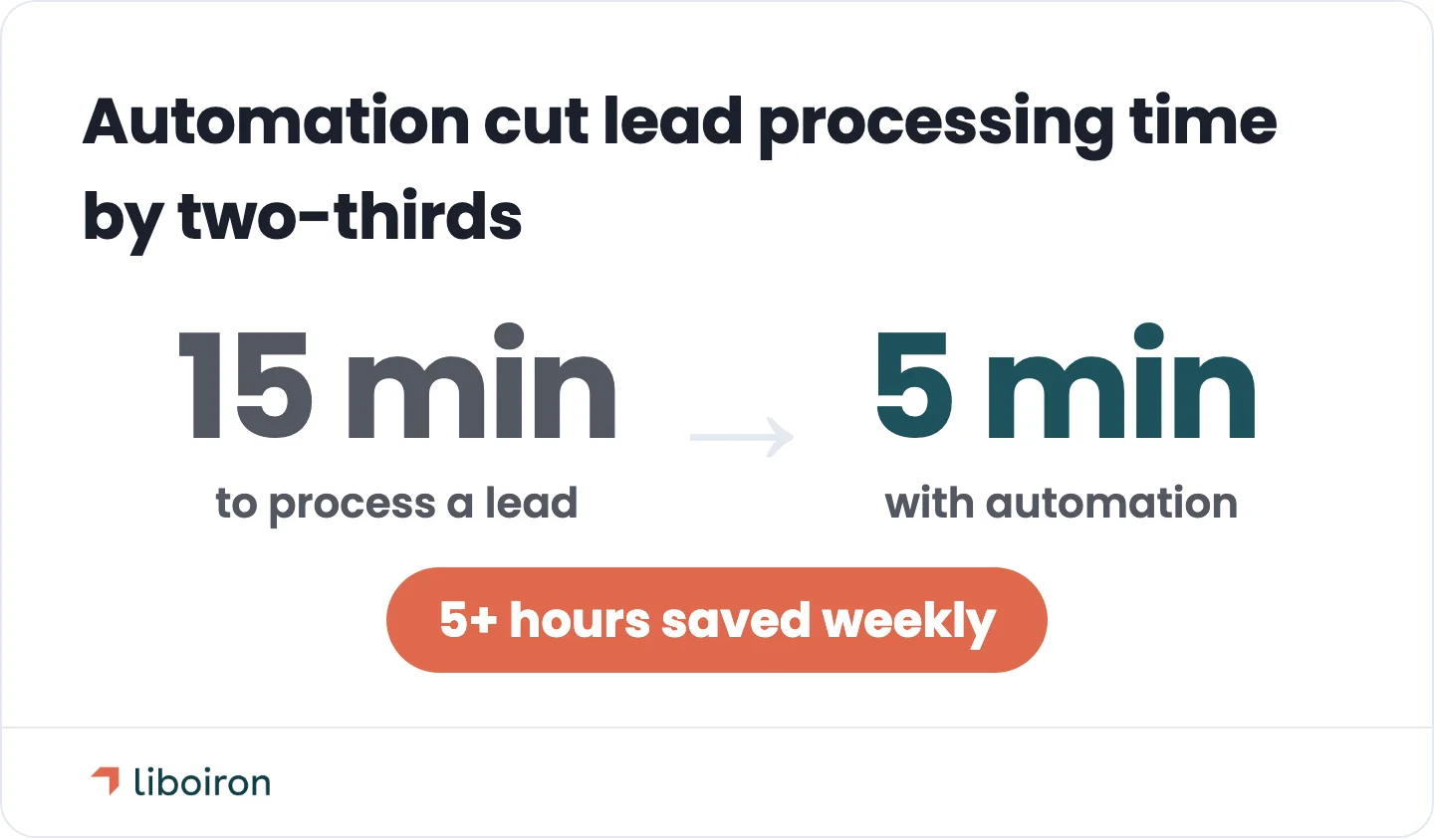
We built a same-pattern automation for a Quebec property management company. Automating their lead capture in Pipedrive cut lead processing from 15 minutes to 5 and saved the team more than five hours a week.
2. Deal-stage-triggered actions
When a deal enters a stage, Pipedrive fires a set of actions tied to that stage. Move to "Demo Scheduled" and it creates a prep task, sends a calendar confirmation, and updates the deal's expected close date. Your pipeline stages become a checklist that runs itself.
This is the backbone of most Pipedrive builds. Every stage in a well-designed pipeline should trigger at least one action, so moving a deal forward never means remembering a list of manual steps.
3. Automated personalized email on trigger
Pipedrive sends a templated email from the deal owner when a trigger fires, with a delay you control. A new deal gets a welcome email an hour later. A deal that reaches "Negotiation" gets a case study two days in. The emails use the contact's real name and deal details, so they read as personal even though the system sent them.
The delay is the part teams miss. Sending instantly feels robotic. A short wait makes the email feel like a rep actually paused and wrote it.
4. Lead assignment and routing
New leads get assigned to the right rep automatically, based on rules you set. Round-robin for even distribution, or by region, deal size, industry, or current workload. The lead lands with an owner in seconds instead of waiting in a queue for someone to claim it.
Speed-to-lead is a real revenue lever. A lead routed and contacted in minutes converts far better than one that sits overnight, and routing removes the "who takes this one?" delay entirely.
5. Lost-deal re-engagement
Not every lost deal is gone for good. This automation tags deals as "lost but revisit," then re-engages them on a schedule instead of letting them disappear. Mark a deal lost with a "timing" reason, and Pipedrive can move it to a nurture track and resurface it 60 days later.
Most teams lose these deals to silence, not to a competitor. A structured re-engagement rule turns your lost pile into a recurring pipeline source.
6. Stop manual data entry
Pipedrive captures new leads and builds deals automatically from your web forms, email, and other lead sources, so nobody retypes contact details into the CRM. The data lands clean, tagged by source, ready for the routing and follow-up rules above.
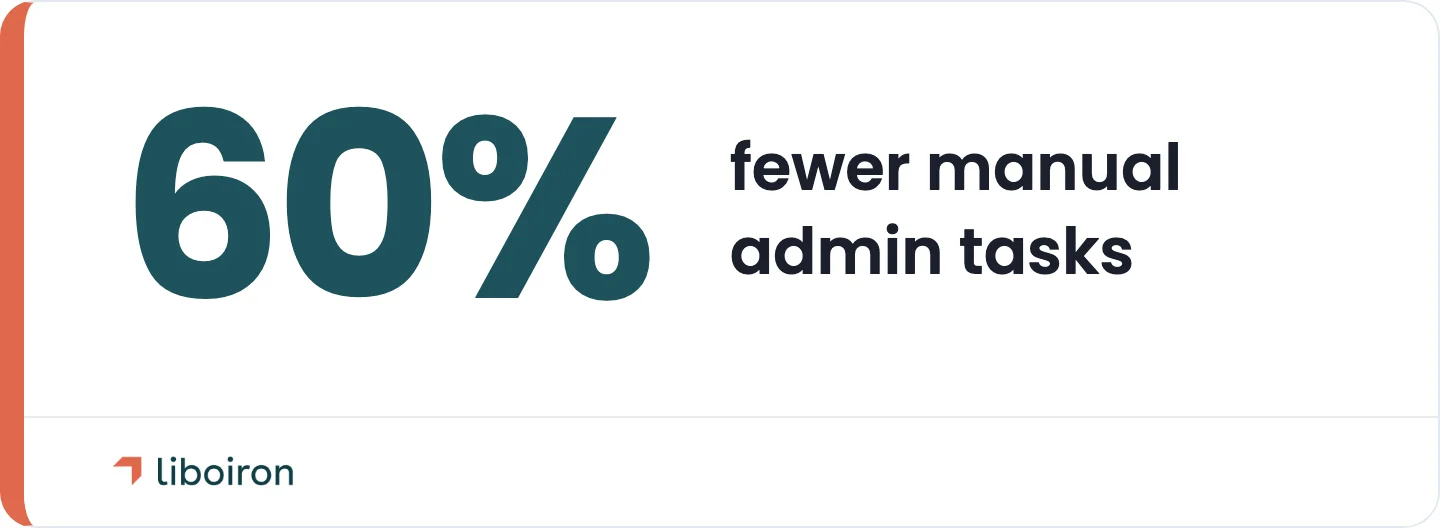
Manual entry is both a time sink and an accuracy problem. Across our client builds, automating data capture and admin work has driven a 60% reduction in manual administrative tasks and near-perfect data accuracy. Clean input is what makes every other automation trustworthy.
7. Deal scoring and qualification
Pipedrive scores and flags deals based on field logic, so reps focus on the ones most likely to close. Set conditions for budget, company size, engagement, or fit, and let the CRM label a deal hot, warm, or unqualified. High-fit deals can auto-move to a sales-qualified stage and notify the owner.
This keeps reps working the right deals instead of treating every lead as equal. It also gives managers a consistent, rule-based definition of "qualified" instead of a gut call.
8. Sales-to-operations handoff
When a deal is marked Won, Pipedrive kicks off the handoff to the team that delivers the work. It creates onboarding or production tasks, assigns an owner, and posts the update to Microsoft Teams or Slack while booking the kickoff on Zoom or Google Meet.
For manufacturers and construction firms, this handoff is where jobs get dropped. A won deal that automatically becomes a project with tasks and an owner keeps delivery on schedule, so nothing stalls in the gap between sales closing the work and the team starting it.
9. Deal-to-invoice sync
When a deal closes, Pipedrive pushes the deal data to your accounting tool so invoicing starts without re-entry. For most Canadian SMBs that tool is QuickBooks. Pipedrive's built-in connector is thin, so we build a proper integration layer that syncs the right deal fields to the right invoice, every time.
This is where automation crosses from sales into finance. The same logic powers heavier finance work like invoice matching, where an agent checks a purchase order, an invoice, and a receiving slip against each other before anything gets approved. For teams with real invoice volume, custom automation and AI agents handle what native rules cannot.
How to Build a Pipedrive Automation, Step by Step
Building a good automation takes five steps, and the order matters more than the tooling. Skipping the first two is why most homemade automations break.
- Find the repetitive task worth automating. Pick something a rep does the same way many times a week. Follow-ups, data entry, and handoffs are the usual first wins.
- Start simple and high-impact. One trigger, one or two actions. Prove it works before you add branches and conditions.
- Map the trigger, condition, and action on paper first. Write out exactly what starts the rule, what filters it, and what it does. Ambiguity here becomes a broken automation later.
- Test it on a few real deals. Watch it run on live data before you turn it loose on the whole pipeline.
- Document it and assign an owner. Write down what the automation does, then train the team and name one person responsible for it. An automation nobody owns is an automation nobody trusts.
That fifth step is the one teams skip and regret. It maps to how we run every build, from discovery through to training and evolution. A focused Pipedrive automation build usually runs four to six weeks for a simple setup and six to eight weeks for a standard one. For the full standup process, see our guide to Pipedrive implementation, and our build methodology for how we sequence it.
Where Pipedrive Automation Hits a Ceiling
Pipedrive automation is built for linear, single-channel workflows, and it hits real limits once your process gets complex. This is the honest answer to the common complaint that Pipedrive automation feels basic. It handles the core well, then stops.
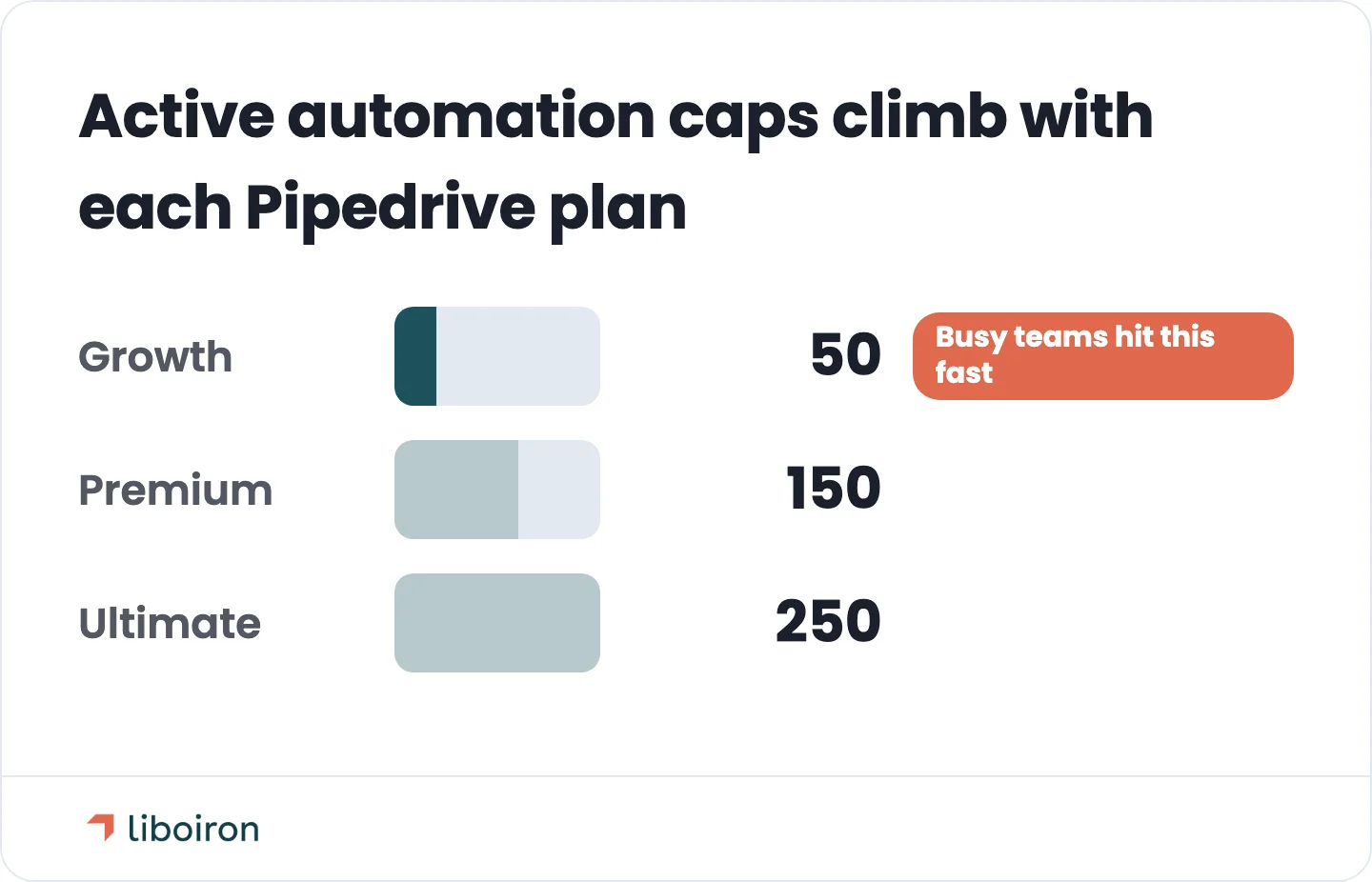
Here are the native limits worth knowing, current as of July 2026. Pipedrive adjusts plans and caps periodically, so confirm the exact numbers on your plan before you design around them:
You can confirm these against Pipedrive's own documentation on automation limits. The 90-day delay ceiling is the one that catches long-cycle businesses. If your real estate, construction, or consulting deals nurture over two or three quarters, native automation cannot hold the full timeline.
This is where a partner earns the fee. We extend Pipedrive past its native caps with a built integration layer, custom logic through the API, and pre-built AI agents that handle multi-step work the native rules cannot. The CRM stays the front end your team uses. The heavy automation runs underneath it.
Common Pipedrive Automation Mistakes
Most automation failures are people problems, not software problems. Pipedrive can run the rule fine. The trouble is usually in how the automation was scoped, owned, or maintained. Four mistakes cause most of it.
- Over-automating too early. Automating a process that is not stable yet just locks in a bad process. Fix the workflow by hand first, then automate the version that works.
- No owner for the automation pool. When nobody is responsible for the automations, they rot. A trigger changes, a field gets renamed, and half of them silently stop firing.
- Inflexible flows that fight edge cases. An automation built for the perfect deal breaks on the messy real one. Build in the conditions your actual pipeline needs.
- Dirty data feeding the triggers. Automations are only as good as the data that starts them. Bad fields in means wrong actions out.
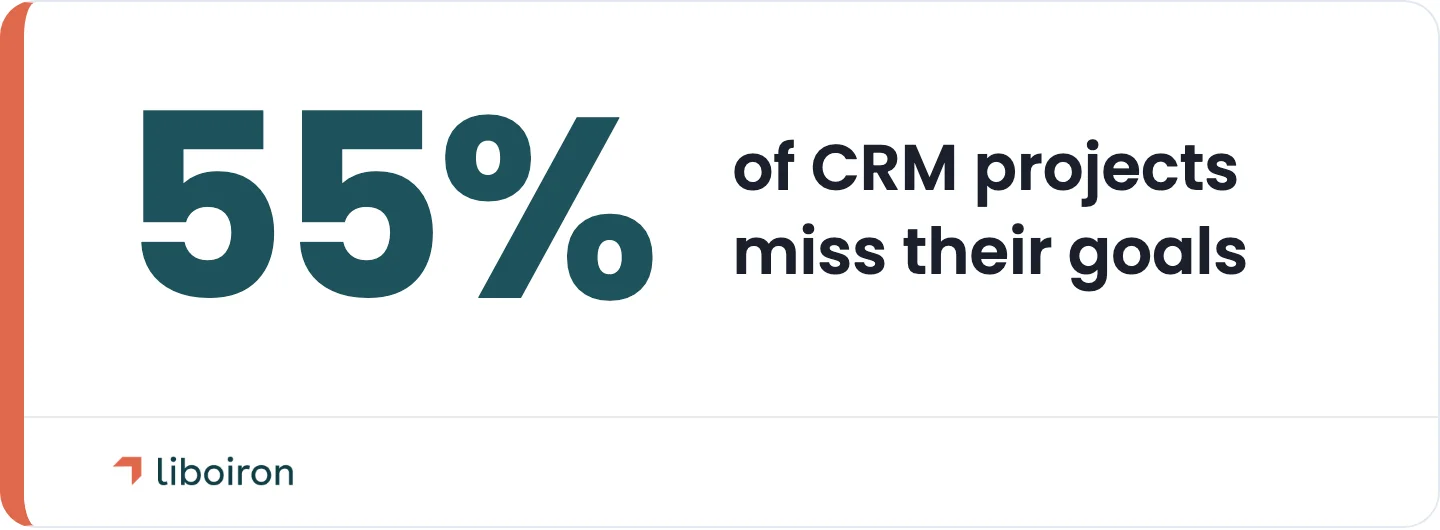
The pattern underneath all four is adoption. Roughly 55% of CRM projects miss their planned objectives, according to the Johnny Grow CRM Failure Report. In our experience, whether a project lands comes down to adoption far more than the software. Automations that nobody maintains or trusts get ignored, and the team quietly goes back to manual work. We work on a results-guaranteed model and retrain the team as part of every build.
FAQs
Does Pipedrive have built-in automation?
Yes. Pipedrive includes a workflow automation feature on its higher tiers that runs trigger-based rules across deals, contacts, and activities. You can read Pipedrive's overview of workflow automation for the native basics.
Does Zapier work with Pipedrive?
Yes, Pipedrive connects to Zapier and to thousands of other apps through its marketplace and API. That said, most core sales automations can be built with Pipedrive's native tools first. External connectors are for extending past what native rules cover, not a starting point.
How many automations can you have in Pipedrive?
It depends on your plan, with active-automation caps of roughly 50 on Growth, 150 on Premium, and 250 on Ultimate as of July 2026. Confirm the current numbers on Pipedrive's support site, since the caps change periodically.
Does Pipedrive keep Canadian data in Canada?
Yes. In 2026 Pipedrive opened a Montreal data centre, so Canadian customers can keep their CRM data hosted in Canada. For sales teams automating their pipeline, that keeps customer data on Canadian soil and helps meet data-residency rules like Quebec's Law 25.
The Bottom Line on Pipedrive Automation
Pipedrive automation turns a static contact list into a system that runs itself. Start with the boring, high-return workflows: follow-up reminders, deal-stage actions, and lead routing. Respect the native ceiling, and plan for a partner-built integration layer once your process outgrows it.
At Liboiron, we build and govern Pipedrive automation for SMBs across Canada as a Pipedrive Service Partner, and our pay-for-results model ties our fee to the outcomes those automations deliver. If you want to see how much time the right automations would save your team, estimate it with our ROI calculator or book a free strategic call and we will map the first three worth building.
Sources
- Pipedrive Knowledge Base: Automations first steps
- Pipedrive Knowledge Base: Sequences vs Automations
- Pipedrive Knowledge Base: Automation limits
- Nucleus Research: CRM delivers $3.10 return per dollar
- Johnny Grow: The CRM Failure Rate is 55%
- Reddit r/CRMSoftware: Pipedrive automation discussion
- Pipedrive: Montreal Data Centre for Canadian Data Residency