Table of Contents
You bought the CRM. You paid for the licences. And your team still runs the business out of spreadsheets, inboxes, and their own heads. That gap between owning a CRM and actually using it is what CRM adoption measures, and it is where most of the money goes to die. Most CRM projects never deliver on their promise, and the culprit is almost always poor adoption, not bad software.
Here is the part most advice gets wrong. Low adoption is not a willpower problem you fix with reminders and mandatory-use policies. It is an outcome. When the CRM is the easiest place to do the real work, people use it. When it is a reporting tax bolted onto their day, they route around it. This guide covers the seven strategies that actually move adoption, how to measure it, and how long it takes. We are Liboiron, a Montreal-based automation agency and Pipedrive Service Partner, and this rebuild is the work we do for Canadian SMBs.
Key Takeaways
- A healthy CRM adoption rate is 80% or higher. That means at least 80% of the people who are supposed to use the system are in it daily. Most struggling teams sit far below that.
- Poor user experience is the number one reason adoption fails. Not price, not missing features. Reps abandon a CRM the moment it adds work instead of removing it.
- Adoption follows the build, not the mandate. The CRM has to be the easiest place to do the actual job. You cannot cheerlead your way to usage if the tool fights the workflow.
- Automating data entry removes the single biggest objection. Reps hate manual entry more than anything else. Kill it and most of the resistance disappears with it.
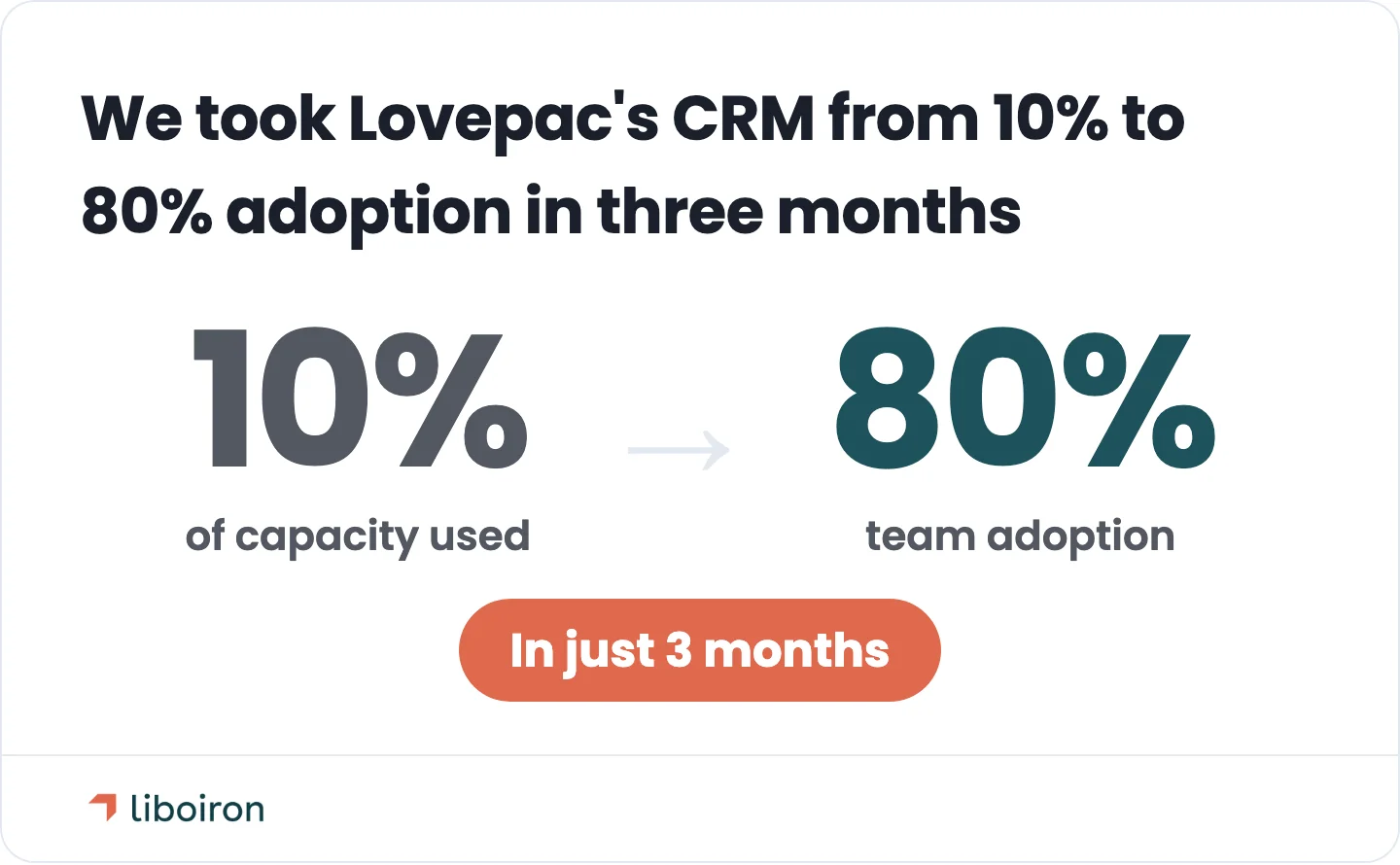
- It is fixable, fast. We rebuilt one manufacturer's CRM that was running at 10% of its capacity and drove adoption from zero to 80% in three months. Low adoption is a solvable engineering problem, not a permanent condition.
What CRM Adoption Actually Means
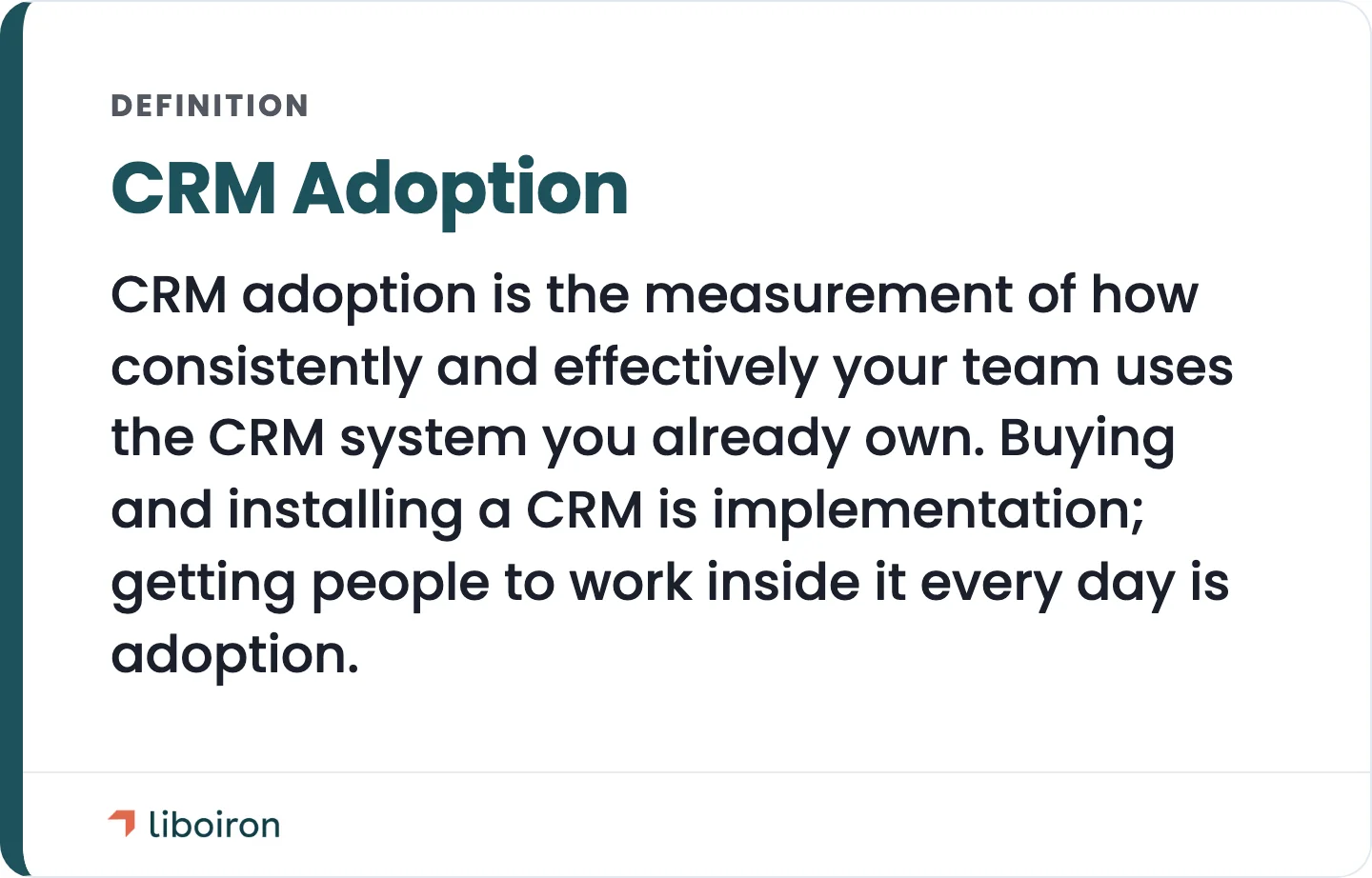
CRM adoption is the measurement of how consistently and effectively your team uses the CRM system you already own. Salesforce defines it as how a company's teams use and gain value from an implemented CRM. The key word is *use*. Buying and installing a CRM is implementation. Getting people to work inside it every day is adoption, and the two are not the same thing.
Your CRM adoption rate is the simplest way to see where you stand. Divide the number of people actively using the system by the number of people who are supposed to (your active licences), then track it over time. A rate of 80% or higher is widely considered healthy, meaning at least 80% of your team is in the system daily. Below roughly 50% is a red flag: the tool is not part of how your team works, and the data inside it cannot be trusted. Adoption, not the software brand, decides whether you get any return.
Why Low CRM Adoption Quietly Costs You
An unused CRM is not neutral. It is pure cost. You keep paying for software nobody opens, leadership loses visibility into the pipeline, and your data scatters back into personal spreadsheets where it cannot be managed. On top of the subscription, you also lose everything that went into buying, configuring, and rolling the system out.
The upside of a CRM your team actually uses is well documented. Nucleus Research puts the current return at $3.10 for every $1 spent on CRM software, down from the older $8.71 figure still widely quoted. The difference between the two outcomes is not the platform. It is whether people use it.
This is exactly the problem we solved for Lovepac, a Canadian packaging manufacturer whose HubSpot was running at about 10% of capacity. The VP of Sales had zero pipeline visibility. We rebuilt the CRM from the ground up and took adoption from effectively zero to 80% in three months, which shortened their sales cycle by 20%. Across the projects we run, that kind of rebuild cuts manual administrative work by around 60% on average. If you want to put real numbers on your own situation, our ROI calculator is a good place to start.
Why Sales Teams Reject the CRM They Already Have
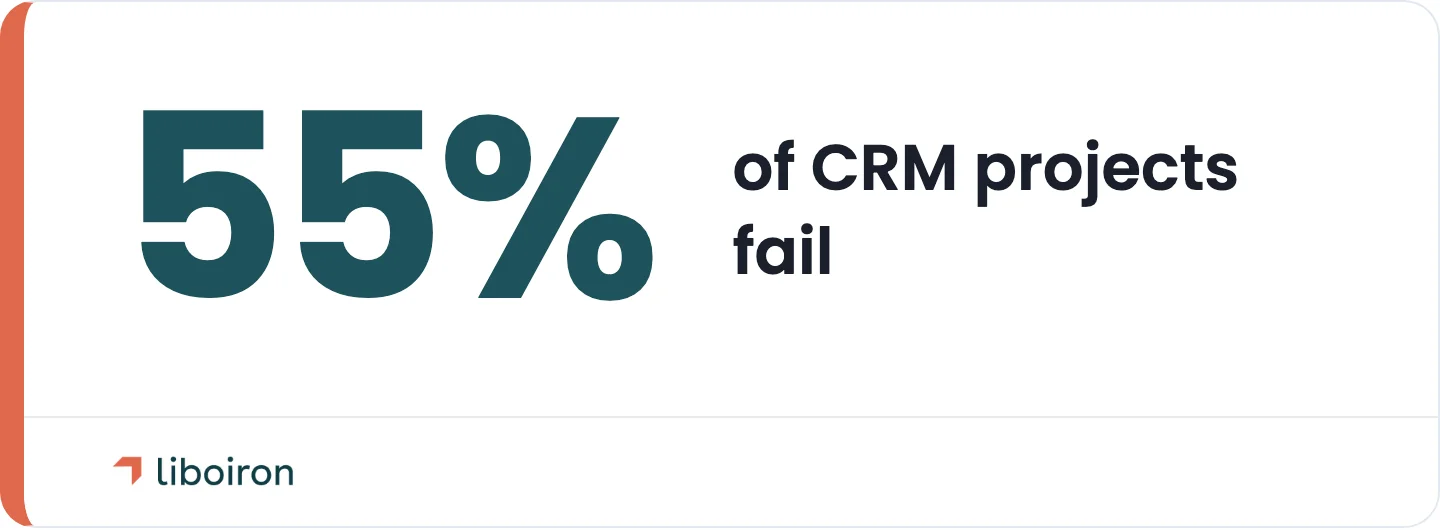
Teams do not resist the CRM because they are difficult. They resist because it was built for management reporting, not for the person doing the work. Every extra field and required step is friction the rep feels and the manager does not. This is why adoption, not the software, is the number one reason CRM projects fail. The Johnny Grow CRM Failure Report puts the failure rate near 55%, and the cause usually traces back to the people who were meant to use it.
The reasons are consistent across every team we have rebuilt for:
- It is too complex. Cluttered screens, endless required fields, and features nobody asked for. Most teams use only a slice of what they bought, and the unused clutter is usually what gets in the way.
- The training never connected to their job. A generic feature tour teaches buttons, not how to close a deal inside the system.
- It does not talk to their daily tools. If the CRM is not connected to email, calendar, and messaging, it becomes a second place to enter everything twice.
- It does not match how they actually sell. When the pipeline stages do not reflect the real process, the CRM feels wrong, so reps quietly revert to spreadsheets and sticky notes.
- They do not trust the data. Around a third of sales reps spend more than an hour a day on manual data entry, according to Salesmate's CRM research. When entry is that painful, records go stale, and stale records kill the last bit of trust.
None of these is really a software problem. They are setup problems, and setup is fixable. Failed CRM deployments come from strategy and configuration, not faults in the CRM itself. We covered whether you need a CRM in the first place separately. This guide assumes you have one and want your team to use it.
7 Strategies to Drive CRM Adoption
These are the seven moves that reliably lift adoption. They work in order: fix the build first, then the behaviour follows.
1. Rebuild the CRM around how your team actually works
Configure the CRM to mirror your real workflow, not a generic sales template. Force a team into pipeline stages and fields that do not match how they operate, and you lose them. When the system reflects the job, using it stops feeling like extra work.
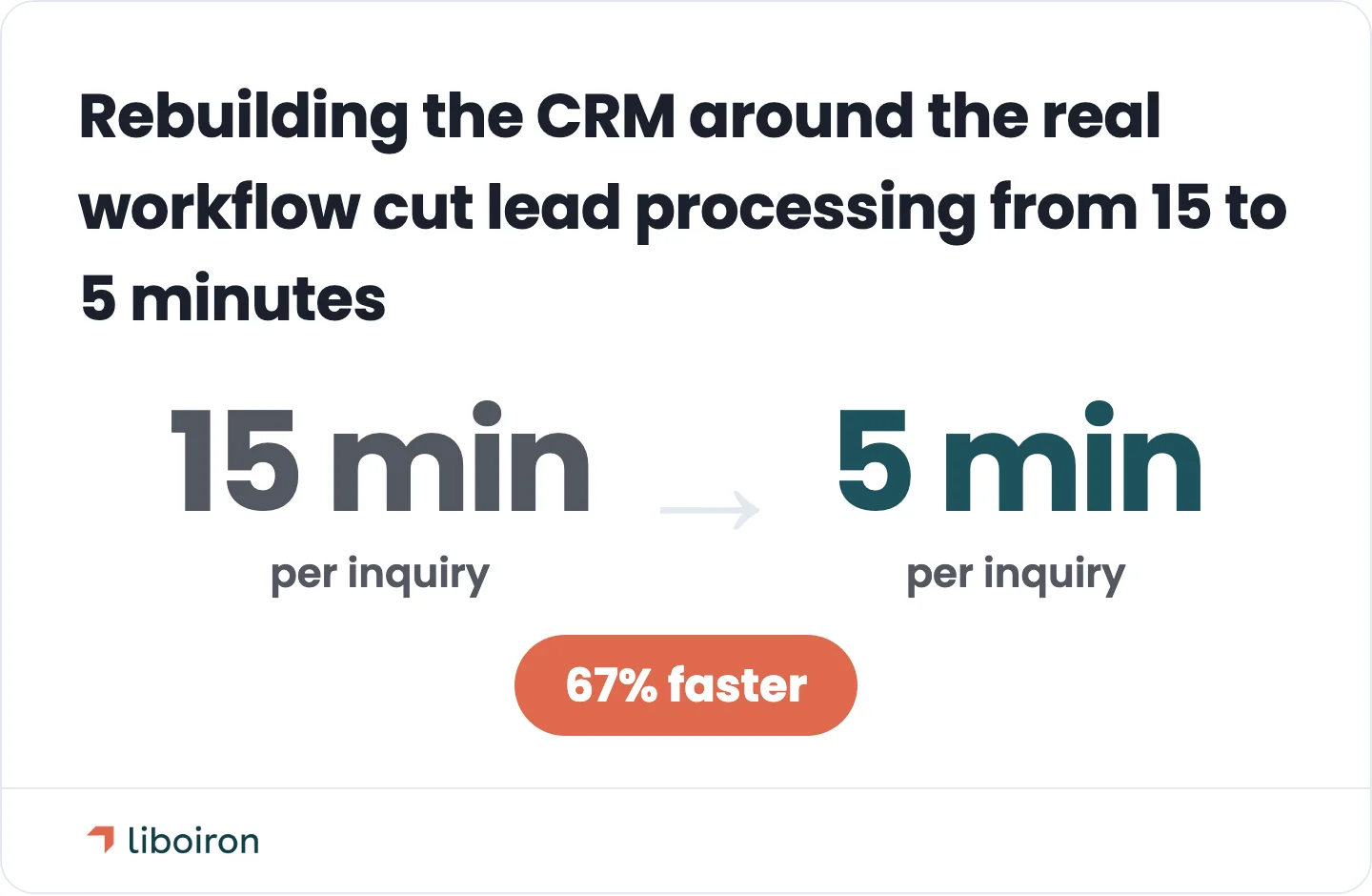
This is the core of every turnaround we run. For Multilogements, a property manager drowning in leads, we rebuilt Pipedrive around their actual rental workflow instead of a standard sales pipeline. Lead processing went from 15 minutes to 5 minutes per inquiry, a 67% improvement, because the CRM finally matched the way the team already thought about the work.
2. Kill the shadow spreadsheet
Eliminate the parallel spreadsheet so the CRM becomes the only place the work lives. Shadow spreadsheets are the clearest sign of low adoption. As long as a private tracker exists, reps will use it, because it is familiar and it is theirs.
You beat this by making the CRM the path of least resistance. Move the reports, the pipeline reviews, and the numbers people care about into the CRM, and the spreadsheet stops being worth keeping. When the real work and the real answers live in one system, the side files disappear.
3. Automate the data entry that reps hate
Automate data capture so the CRM fills itself instead of taxing your team. Manual entry is the single most-hated part of any CRM and the fastest route to abandonment. If logging a contact, a note, or a deal takes real effort, it will not happen consistently.
We build an automation layer that captures leads, syncs records, and updates fields without anyone typing. For Multilogements, automating the intake saved the team more than five hours a week and doubled their response speed. When the data entry mostly disappears, so does the biggest reason people avoid the system. This is the heart of our process automation work.
4. Get leadership to run the business from the CRM
Executives have to use the CRM in front of the team, not just ask the team to use it. Adoption is set at the top. If managers run forecasting, pipeline reviews, and reporting out of the CRM, everyone follows. If they run them out of a side spreadsheet, so will everyone else.
This is where change management earns its keep. Make the CRM the only source of truth in every pipeline meeting. When a rep knows a deal only counts if it is in the system, and the boss is looking at that system live, the behaviour changes without a mandate. Leadership discipline, not policy, makes adoption stick.
5. Connect the CRM to the tools your team already lives in
Integrate the CRM with the email, calendar, and communication tools your team uses all day. Every disconnected tool is a reason to work outside the CRM. Every connection is a reason to stay inside it.
Start with email and calendar so meetings and messages log themselves. Connect your communication tools, whether that is Microsoft Teams, Zoom, Google Meet, or Slack, so conversations tie back to the right deal. For accounting, we build an integration layer that syncs deals to invoices in QuickBooks, rather than relying on a weak out-of-the-box connector. The goal is one connected system where the CRM is the centre, not another island to visit.
6. Train for the job, not the software
Train people on the workflows they actually use, not a full feature tour. Generic training teaches the menu and forgets the job. Role-based training teaches a rep how to move a deal from lead to close inside the system, which is the only thing they care about.
Keep it ongoing. A single onboarding session fades. Short refreshers, quick reference guides, and help at the moment of need are what build a habit. And make sure it covers mobile, because a rep in the field who can update a deal from their phone is a rep who keeps the data current.
7. Appoint internal champions and bank early wins
Pick respected daily users as CRM champions and let quick wins sell the system for you. A champion is a hands-on user in each team who answers questions, coaches peers, and models good habits. People trust a colleague far more than a mandate from IT.
Pair that with visible early wins. When a rep closes a deal faster because the CRM surfaced the right follow-up, share it. Momentum compounds, and a little recognition turns adoption from a top-down order into something the team wants to be part of.
How to Measure CRM Adoption
You cannot improve adoption you do not track, so measure three things: usage, data quality, and performance.
- Usage metrics show who is in the system: active users, logins, and records created or updated. This is where your adoption rate lives. Aim for 80% or higher.
- Data quality metrics show whether the data is worth anything: record completeness, accuracy, and duplicate rates. High usage on top of bad data is its own problem.
- Performance metrics show business impact: pipeline velocity, forecast accuracy, and sales-cycle length. This is what leadership actually cares about, and what proves the CRM is earning its cost.
Build dashboards that make these numbers visible and reward good usage. When we rebuilt Lovepac's CRM, we created 15 dashboard reports from zero, so a VP who had no visibility could see the entire pipeline at a glance. For MaClinique, automated reporting dashboards in Pipedrive saved the leasing team about two hours a week. Dashboards that reflect real usage give people a reason to keep the data clean.
How Long CRM Adoption Takes
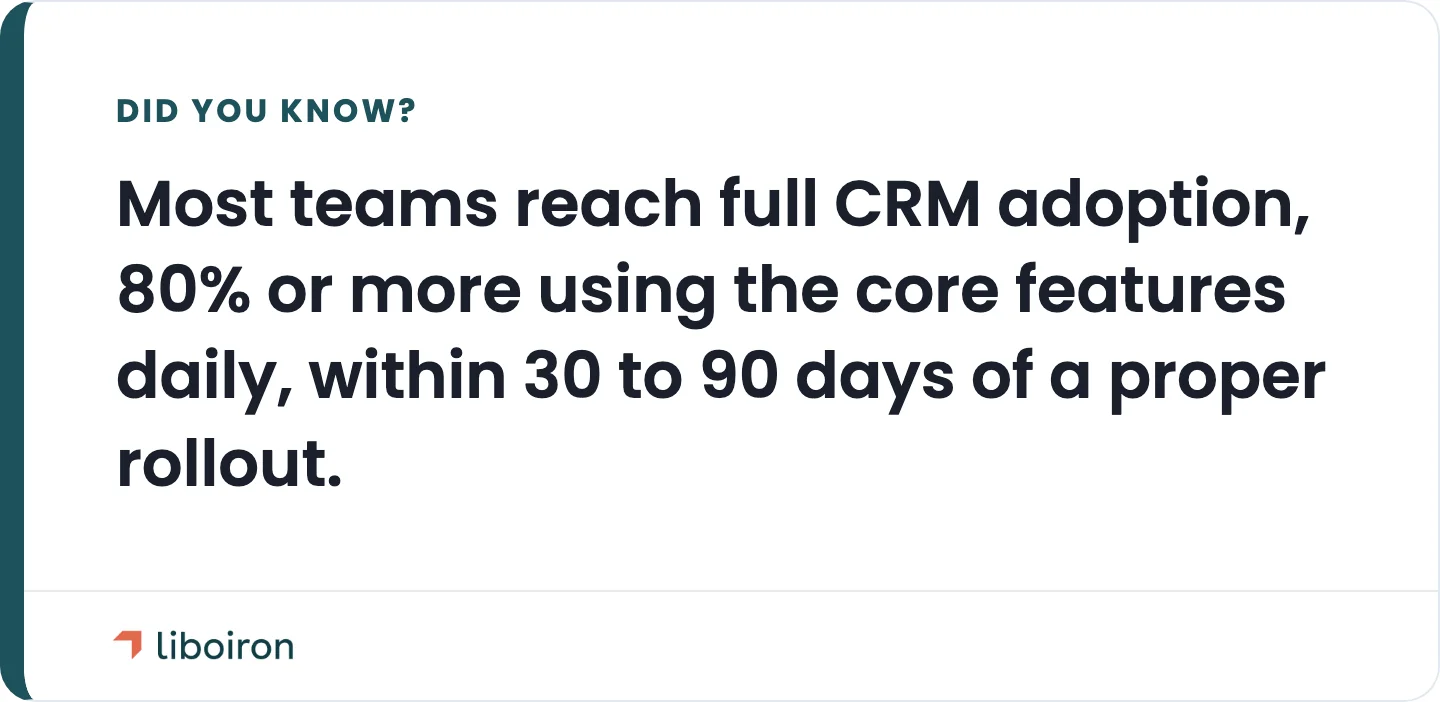
Most teams reach full adoption, meaning 80% or more using the core features daily, within 30 to 90 days of a proper rollout. The rebuild that makes it stick is faster than most people expect, because you are fixing the setup, not retraining human nature.
A focused Pipedrive implementation typically runs four to eight weeks depending on scope, and full adoption follows in the weeks after go-live. The Multilogements rebuild took about eight weeks, and the team was working inside the CRM, not around it, shortly after. Because we work on a results-guaranteed model, the outcome we scope is the outcome we are paid for. Our CRM implementation service and methodology walk through how we approach a rebuild.
CRM Adoption FAQs
What is a good CRM adoption rate?
A good CRM adoption rate is 80% or higher, meaning at least 80% of the people expected to use the system are in it daily. Anything below roughly 50% signals that the CRM is not part of your team's real workflow and the data cannot be trusted.
Why do CRM implementations fail?
CRM implementations fail primarily because of poor user adoption, not bad software. The most common causes are a poor user experience, weak or generic training, missing integrations, and a setup that does not match how the team actually works. The Johnny Grow CRM Failure Report puts CRM failure near 55%.
How do you increase CRM adoption on a sales team?
You increase adoption by making the CRM the easiest place to do the work: rebuild it around the real sales process, automate the data entry, connect it to daily tools, train for the job rather than the software, and put leadership on the system in every pipeline review.
How long does it take to improve CRM adoption?
Most teams reach full adoption within 30 to 90 days of a proper rebuild and rollout. A focused implementation often takes four to eight weeks, with adoption climbing in the weeks after launch.
The Bottom Line
CRM adoption is engineered, not mandated. You do not fix a system your team avoids by asking them to try harder. You fix it by rebuilding the CRM around how they actually work, automating the friction away, connecting it to the tools they already use, and measuring usage so the numbers stay honest. Do that, and the 80% adoption rate that feels impossible today becomes normal in a matter of weeks.
If your team owns a CRM they refuse to use, that is our lane. Liboiron is the Montreal-based partner Canadian SMBs bring in to turn an unused CRM into one the team actually lives in, proven by rebuilds like Lovepac's, where a CRM running at 10% of capacity reached 80% adoption. As a Pipedrive Service Partner with a results-guaranteed model, we scope the outcome and stand behind it. When you are ready, book a free strategic call and we will map the fastest path to real adoption. You can also learn more about Liboiron.